
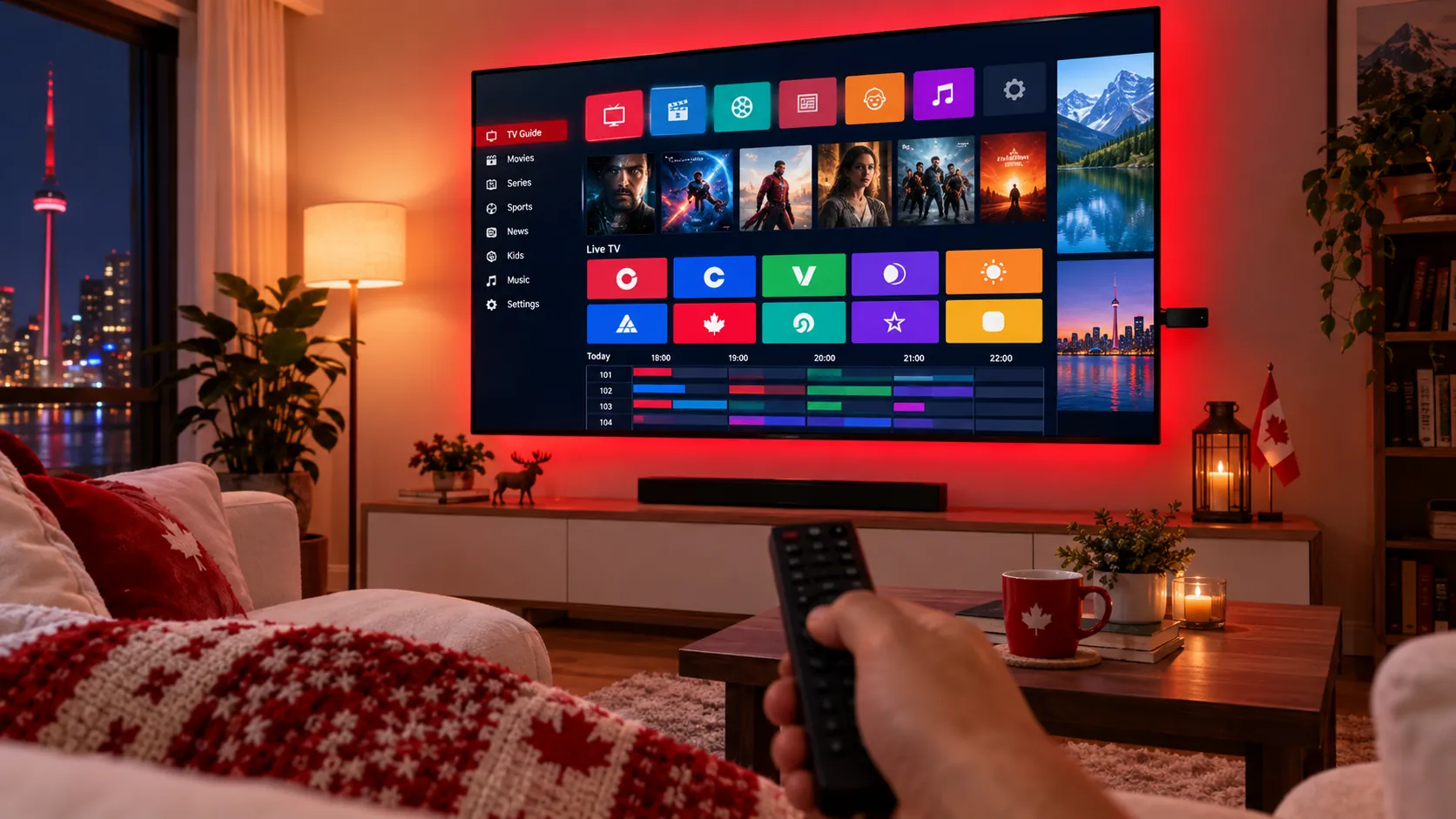
Your IPTV subscription gives you the channels and the on-demand library – but the IPTV player app is what you actually watch them with. The right app gives you a clean TV guide, quick channel switching and fewer freezes; the wrong one can make even a great service feel clunky. Here are the best IPTV player apps in 2026, which devices they work on, and how to pick the right one for your home in Canada.
What Is an IPTV Player App?
An IPTV player is an app that plays the live channels, films and series from your IPTV subscription. The app itself doesn’t include any channels – you add the login details your provider sends you, and the app loads everything from there. Most players accept one or both of these login types:
- Xtream Codes login – a username, password and server URL. This is the easiest option and usually loads the TV guide, films and series automatically.
- M3U playlist – a single link (or file) that lists your channels. Some apps also need a separate EPG link for the TV guide.
The Best IPTV Player Apps at a Glance
| App | Works on | Best for |
|---|---|---|
| TiviMate | Firestick, Android TV, Google TV, Android boxes | The best TV-guide experience on a big screen |
| IPTV Smarters Pro | Firestick, Android, iPhone, iPad, computers | Beginners and multi-device homes |
| GSE Smart IPTV | iPhone, iPad, Apple TV, Android | Apple users |
| Smart TV players (e.g. IBO Player) | Samsung and LG Smart TVs | Watching without a streaming stick |
| VLC | Windows, Mac, Android, iPhone | Quickly testing an M3U playlist |
| Kodi + PVR IPTV Simple Client | Most devices | People who like to customize everything |
1. TiviMate – Best for Firestick and Android TV
TiviMate is a favourite with IPTV viewers because it looks and feels like a cable box. You get a full-screen TV guide, channel groups, favourites and fast zapping with your remote. It runs on the Amazon Fire TV Stick, Android TV, Google TV and most Android boxes.
- Pros: excellent TV guide, smooth on a remote, supports Xtream Codes and M3U.
- Cons: Android-based devices only; some features, such as multiple playlists and recording, need the premium version.
New to the Firestick? Follow our step-by-step guide to installing IPTV on a Firestick.
2. IPTV Smarters Pro – Best for Beginners
IPTV Smarters Pro is one of the easiest players to set up: choose Login with Xtream Codes API, enter your details and you’re watching. Because it’s available on phones, tablets, Firesticks and computers, it’s a good choice if your family watches on lots of different screens.
- Pros: simple menus, live TV, films and series in separate sections, works on many devices.
- Cons: the TV guide is less polished than TiviMate on a big screen.
3. GSE Smart IPTV – Best for iPhone, iPad and Apple TV
If your home runs on Apple devices, GSE Smart IPTV is a long-standing option that supports Xtream Codes and M3U playlists, a TV guide and favourites. Install it from the App Store, add your login and you can watch on your iPhone, iPad or Apple TV.
4. Smart TV Players – Best Without a Streaming Stick
Samsung and LG Smart TVs can run IPTV players straight from their own app stores, so you don’t need a Firestick or box. Apps such as IBO Player show a device ID / MAC address on screen – you send that to your provider and your playlist is added for you. Many of these apps offer a free trial and then ask for a small one-time activation fee, so check the app’s own terms before you choose. Our guide to watching IPTV on Samsung and LG Smart TVs walks you through it.
5. VLC – Best for a Quick Test
The free VLC media player can open an M3U playlist on a computer or phone in seconds. It doesn’t have a proper TV guide, so it isn’t ideal for everyday viewing, but it’s a handy way to check that a playlist works.
6. Kodi – Best for Tinkerers
Kodi is a free, open-source media centre. With the official PVR IPTV Simple Client add-on, it can load an M3U playlist and TV guide. It’s very flexible, but it takes longer to set up than a dedicated IPTV player – best if you enjoy customizing your setup.
How to Choose the Right IPTV Player
- Start with your device. Firestick or Android TV? TiviMate or IPTV Smarters Pro. iPhone or Apple TV? GSE Smart IPTV. Samsung or LG TV? A Smart TV player.
- Check the login type. Make sure the app supports Xtream Codes (easiest) or M3U, depending on what your provider sends.
- Look for a good TV guide (EPG). A clear guide makes it much easier to see what’s on now and next.
- Think about the whole family. Favourites, channel groups and parental controls make shared screens easier.
- Download from official sources. Use your device’s app store or the developer’s official website, and keep the app up to date.
Tips for Smooth Playback in Any App
- Use an Ethernet cable or strong 5 GHz Wi-Fi – see what internet speed you need for IPTV.
- Clear the app cache on Firestick and Android if the picture starts to freeze.
- Restart your router and streaming device every so often.
- Still buffering? Try our 10 proven fixes for IPTV buffering.
IPTV Player FAQ
Do IPTV player apps come with channels?
No. A player is like a DVD player without a disc – you need an IPTV subscription and its login details to watch anything.
Which IPTV player is best for Firestick?
TiviMate and IPTV Smarters Pro are the two most popular choices. TiviMate has the better TV guide; IPTV Smarters Pro is quicker for beginners to set up.
Can I use the same subscription in different apps?
Usually yes – you can enter the same login in a different app if you want to switch. Just check how many screens your plan allows at the same time.
Not Sure Which App to Use? We’ll Tell You
When you join IPStream TV, we recommend the best IPTV player for your device and send simple setup instructions with your login. Try everything free with our 48-hour free trial – no card required – then choose a plan from just $6.58 a month on our pricing page. Questions? Follow our setup guide or ask us on WhatsApp.
Leave a Reply