
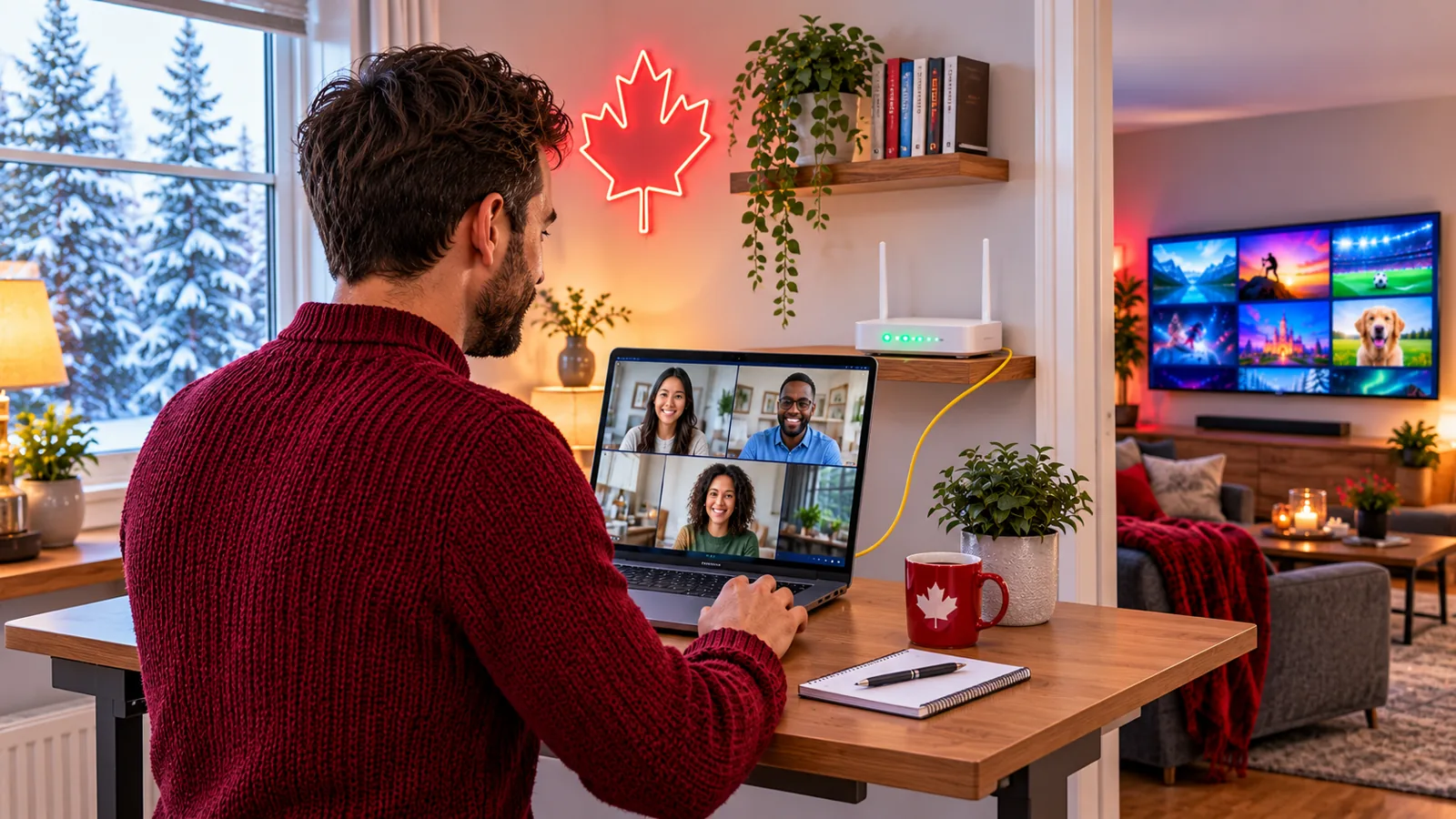
Many Canadians now work from home and watch TV in the same house. The trouble starts when a video call, a live stream and a family movie all use the same internet at the same time. This guide shows how to run IPTV and a work-from-home setup together without dropped calls or buffering.
Why Work and Streaming Clash
Your home internet has a fixed amount of speed shared between all devices. A video meeting needs steady upload and download, while an HD stream needs a constant download. When the total goes above what your plan can deliver, one of them suffers, usually the one that is least forgiving, such as a live call.
How Much Speed Do You Need?
| Activity | Rough speed needed |
|---|---|
| HD IPTV stream | 10–15 Mbps download |
| 4K IPTV stream | 25 Mbps or more download |
| Video call | A few Mbps both ways |
| Large file upload or cloud backup | As much upload as it can get |
| Phones, tablets and smart devices | A few Mbps in total |
Add up what runs at once and keep some headroom. Our internet speed guide has the full numbers.
Step 1: Give Work Its Own Path
- Connect the work laptop by Ethernet if you can.
- Put the work device on the 5 GHz band and keep the TV on a different connection.
- If your router has a QoS or device priority option, prioritise the work laptop.
- Keep the router in an open, central spot, not in a cabinet.
Step 2: Make the TV Less Demanding
- Lower the stream quality one step during meetings.
- Use a wired connection for the main TV to free up Wi-Fi.
- Pause automatic updates and large downloads on streaming devices.
- Close apps you do not use on the streaming device.
Step 3: Schedule the Heavy Stuff
Cloud backups, large uploads and software updates are best run outside work hours. During meetings, ask the household to avoid starting a 4K movie on several TVs at once.
Step 4: Add Mesh Wi-Fi for Bigger Homes
A home office in the basement and a living-room TV upstairs often need more than one router. A mesh Wi-Fi system or powerline adapters bring a strong signal to both. See our multiple TVs guide.
Fixes for Dropped Calls and Buffering
| Problem | Fix |
|---|---|
| Call drops when the TV starts | Lower the TV quality; prioritise the work laptop |
| TV buffers during meetings | Use Ethernet; check your plan’s real speed |
| Everything slows in the evening | Test speed at peak hours; ask your provider about options |
| Wi-Fi weak in the office | Add a mesh node or use Ethernet |
More fixes in our freezing fixes, and a quick overview of using IPTV with your internet provider.
IPTV and Working From Home FAQ
Can I stream IPTV while on a video call?
Yes, if your plan has enough speed for both. Use Ethernet for the work laptop and lower the stream quality during meetings.
Do I need a faster internet plan?
Maybe. Add up the speed of everything that runs at once and compare it with your plan’s real speed measured at peak hours.
How much does IPTV cost?
IPStream TV plans are priced in CAD: $29 for 3 months, $49 for 6 months, $79 for 12 months and $159 for 24 months. See our pricing page.
Test It During Your Real Day
Start a free 24-hour trial, no card required, and test it while you work. Questions about your setup? Message us on WhatsApp.
Leave a Reply