
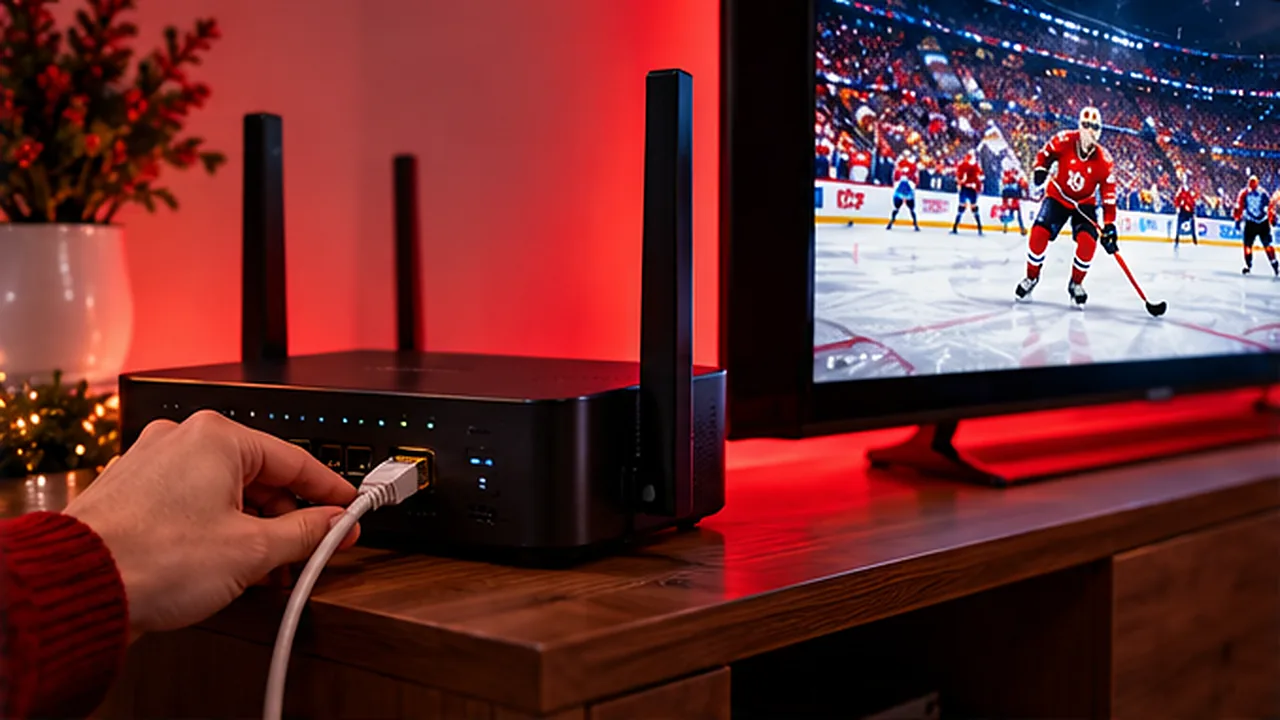
Nothing ruins a Saturday night faster than IPTV buffering in the middle of overtime. IPTV buffering is the most common complaint from viewers across Canada – and the good news is that it’s usually fixable at home in a few minutes. Work through these 10 fixes, from quickest to most technical, and your stream should be back to smooth.
What Causes IPTV to Buffer or Freeze?
Live TV is streamed in real time, so your device needs a steady flow of data. Buffering happens when that flow is interrupted. In Canadian homes the usual suspects are:
- Weak Wi-Fi – a router in the basement, thick walls or a TV two floors away.
- Crowded Wi-Fi – common in condos and apartment towers in Toronto, Montréal and Vancouver, where dozens of networks overlap.
- Peak-hour congestion – evenings between 7 and 11 p.m. local time, when the whole neighbourhood is streaming.
- A tired device – a full cache, too many open apps or an older streaming stick.
Fix 1: Restart Everything (the Right Way)
Unplug your modem/router and your streaming device for 60 seconds, plug the router back in first, wait for all the lights to settle, then power on the TV or Firestick. This clears memory and gets you a fresh connection from your internet provider.
Fix 2: Test Your Speed on the TV Itself
A speed test on your phone next to the router tells you nothing about the TV in the basement. Run the test on the streaming device, at the time you usually watch. You want at least 10–15 Mbps for HD and 25 Mbps for 4K – see what internet speed you need for IPTV in Canada.
Fix 3: Plug In an Ethernet Cable
A wired connection is the single biggest upgrade for IPTV. If your TV or box has an Ethernet port, run a cable to the router. On a Firestick, an inexpensive Ethernet adapter does the same job. Can’t run a cable through the house? Powerline adapters send the connection through your electrical wiring.
Fix 4: Move to 5 GHz Wi-Fi
Most routers supplied by Canadian providers broadcast two networks. The 5 GHz band is faster and less crowded than 2.4 GHz, especially in condos – connect your TV to it and keep the router within a room or two of the screen.
Fix 5: Add Mesh Wi-Fi for Bigger Homes
Two-storey houses with a finished basement are tough for a single router. A mesh Wi-Fi system places small units around the house so every TV gets a strong signal – a great fix for that basement rec room.
Fix 6: Clear the App Cache
On Firestick and Android TV, go to Settings → Applications → Manage Installed Applications, choose your IPTV app and select Clear cache (not “Clear data”, which removes your login). Restart the app afterwards.
Fix 7: Close Background Apps and Free Up Storage
Streaming sticks have limited memory. Force-stop apps you’re not using and uninstall ones you never open – your IPTV app will have more room to buffer smoothly.
Fix 8: Give the TV Priority at Peak Time
Large downloads, game updates and cloud backups all compete with live TV. Pause them during the game, and if your router supports it, turn on QoS / device priority for your streaming device.
Fix 9: Lower the Quality or Switch Streams
If your connection is borderline, switch from 4K to FHD or HD for that channel. Many IPTV services also offer backup versions of popular channels – try another one if a single channel keeps freezing.
Fix 10: Update – Then Contact Support
Update your IPTV app and your device’s software, as updates often fix playback bugs. Still buffering? Message your provider with your device, app, internet provider and which channels freeze. A good provider will help you troubleshoot quickly. Using a different app can also help – compare the best IPTV player apps.
Buffering Fix Checklist
| Symptom | Try first |
|---|---|
| Every channel freezes | Restart router and device, test speed on the TV |
| Freezes only in the evening | Ethernet or 5 GHz Wi-Fi, pause other downloads |
| Only one channel freezes | Try a backup stream, contact support |
| Freezes after a few minutes | Clear the app cache, close background apps |
| Only the basement TV buffers | Mesh Wi-Fi or powerline adapters |
Running a VPN? It can cause buffering; read do you need a VPN for IPTV. On satellite or fixed wireless internet, see IPTV in rural Canada.
IPTV Buffering FAQ
Do I need a VPN to stop IPTV buffering?
Not usually. A VPN adds an extra step to your connection, which can make buffering worse on slower plans. Try the fixes above first.
Why does IPTV buffer on my Firestick but not on my phone?
The phone is often closer to the router or on a stronger band. Move the Firestick to 5 GHz, use an Ethernet adapter, or follow our Firestick IPTV setup guide for tips.
Try Smooth IPTV Free for 24 Hours
IPStream TV runs on reliable servers with 99.9% uptime and support 24/7 for viewers across Canada. Test it on your own TV with a free 24-hour trial – no card required – or ask our team on WhatsApp for help with buffering.
Leave a Reply