
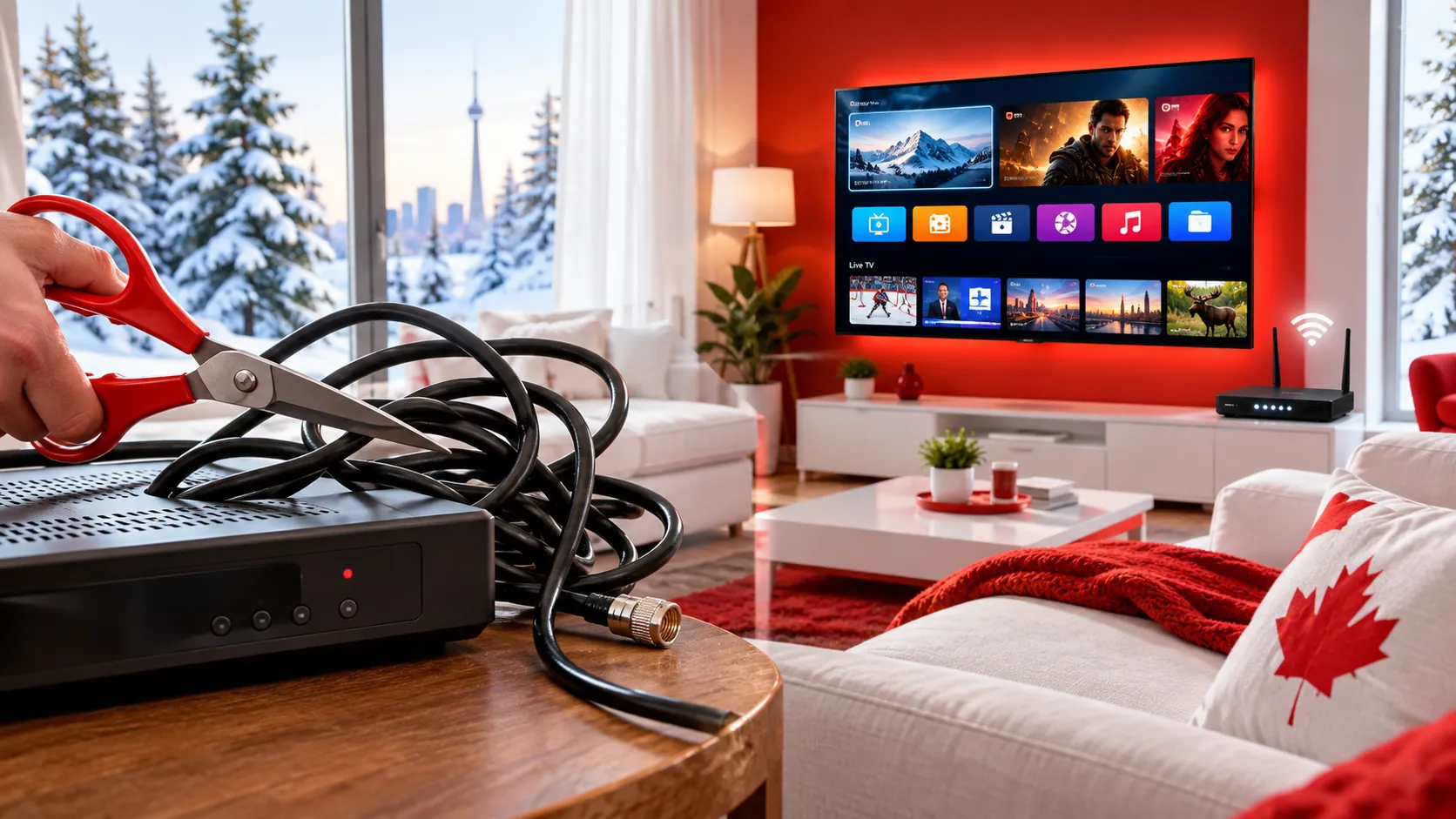
Cable and satellite bills keep creeping up, and more and more Canadian households are asking the same question: do we still need cable? Cutting the cord means cancelling traditional TV and watching over your internet connection instead – with an IPTV subscription, streaming apps or both. This step-by-step guide shows you how to cut the cord in Canada without losing the shows, sports and news your family loves.
Step 1: Look at What You Really Pay for TV
Grab your latest bill and find everything that’s only there because of TV:
- The TV package itself and any theme packs or add-ons
- Receiver or PVR rental fees for each TV in the house
- Service fees, taxes and any promotional discount that’s about to end
If your TV is bundled with internet or home phone, ask your provider what your internet will cost on its own – some bundles lose a discount when you drop TV, and you’ll want that number before you decide.
Step 2: Check Your Contract and Equipment
- Find your contract end date and any early cancellation fees.
- Make a list of the receivers, PVRs and remotes you’ll need to return – unreturned equipment is often charged to your account.
- When you cancel, ask for a confirmation number or email so you have it in writing.
Step 3: Make Sure Your Internet Is Ready
Once you cut the cord, your internet does all the work. As a general guide, allow 10–15 Mbps for each HD stream and 25 Mbps or more for 4K, and add them together if several people watch at once. Our guide to what internet speed you need for IPTV explains how to test it properly.
Check your data allowance too. HD streaming can use around 3 GB an hour and 4K considerably more, so an unlimited internet plan is the stress-free choice for a household that watches a lot of TV.
Step 4: Choose the Screens You’ll Watch On
You probably already own everything you need. Popular options in Canadian homes:
- Amazon Fire TV Stick – affordable and easy; see our Firestick IPTV guide.
- Samsung or LG Smart TV – no extra box needed; see IPTV on Samsung and LG Smart TVs.
- Android TV, Google TV or an Android box – great with apps such as TiviMate.
- Phones, tablets and computers – handy for the kitchen, the cottage or travel.
Not sure which app to use? Read our roundup of the best IPTV player apps in 2026.
Step 5: Pick Your Service – and Test It First
An IPTV subscription replaces the live-TV part of your cable package: live channels with a TV guide, plus films and series on demand. Before you cancel anything, test it for real:
- Watch at peak times, such as a weekday evening or during a big game.
- Try it on every TV you plan to use, not just the one next to the router.
- Check that the channels and languages your household needs are there.
- Send a question to support and see how quickly they reply.
Choose a provider that offers licensed content, clear pricing, no auto-renewal surprises and a fair refund policy.
Step 6 (Optional): Add a TV Antenna for Local Channels
In many parts of Canada, a simple indoor or rooftop antenna picks up local over-the-air channels for free, in HD. What you receive depends on how close you live to the broadcast towers, so it’s worth checking what’s available in your area. It’s a nice backup for local news and weather.
Step 7: Cancel Cable and Return Your Equipment
Once you’re happy with your new setup, call or chat with your provider, cancel the TV service (and keep internet if it’s bundled), confirm the new monthly price, and return your receivers before the deadline. Then enjoy your first bill without a TV package on it.
Cable or Satellite vs IPTV: Quick Comparison
| Cable / Satellite | IPTV with IPStream TV | |
|---|---|---|
| Price | Monthly package, plus box rentals and fees | From $29 for 3 months – as low as $6.58/month on the 12-month plan |
| Contract | Often 1–2 years | No contract, no auto-renewal |
| Installation | Technician visit, dish or cable outlet | Install an app – ready in minutes |
| Equipment | Rented receiver for each TV | Devices you already own |
| Moving house | Transfer or reinstall the service | Take it with you – just connect to the internet |
| Try before you buy | Rarely | 48-hour free trial, no card required |
For a deeper look, read IPTV vs satellite and cable TV.
Cord-Cutting FAQ
Will I still be able to watch live TV?
Yes. An IPTV subscription gives you live channels with a TV guide, just like cable – it simply arrives over your internet connection instead of a cable or dish.
Is cutting the cord complicated?
Not at all. Most people are set up in under 15 minutes: install an app, enter your login and start watching. Our setup guide covers every popular device.
Can the whole family watch at the same time?
Make sure your internet has enough speed for everyone, and check how many screens your plan includes. If you need more, just ask us on WhatsApp.
Ready to Cut the Cord? Try IPStream TV Free
Test IPStream TV in your own home before you cancel cable: 32,000+ live channels, 200,000+ films and series and 99.9% uptime, free for 48 hours with no card required. When you’re ready, choose a plan on our pricing page – including a one-time Lifetime option – or message us on WhatsApp and we’ll help you switch.
Leave a Reply