
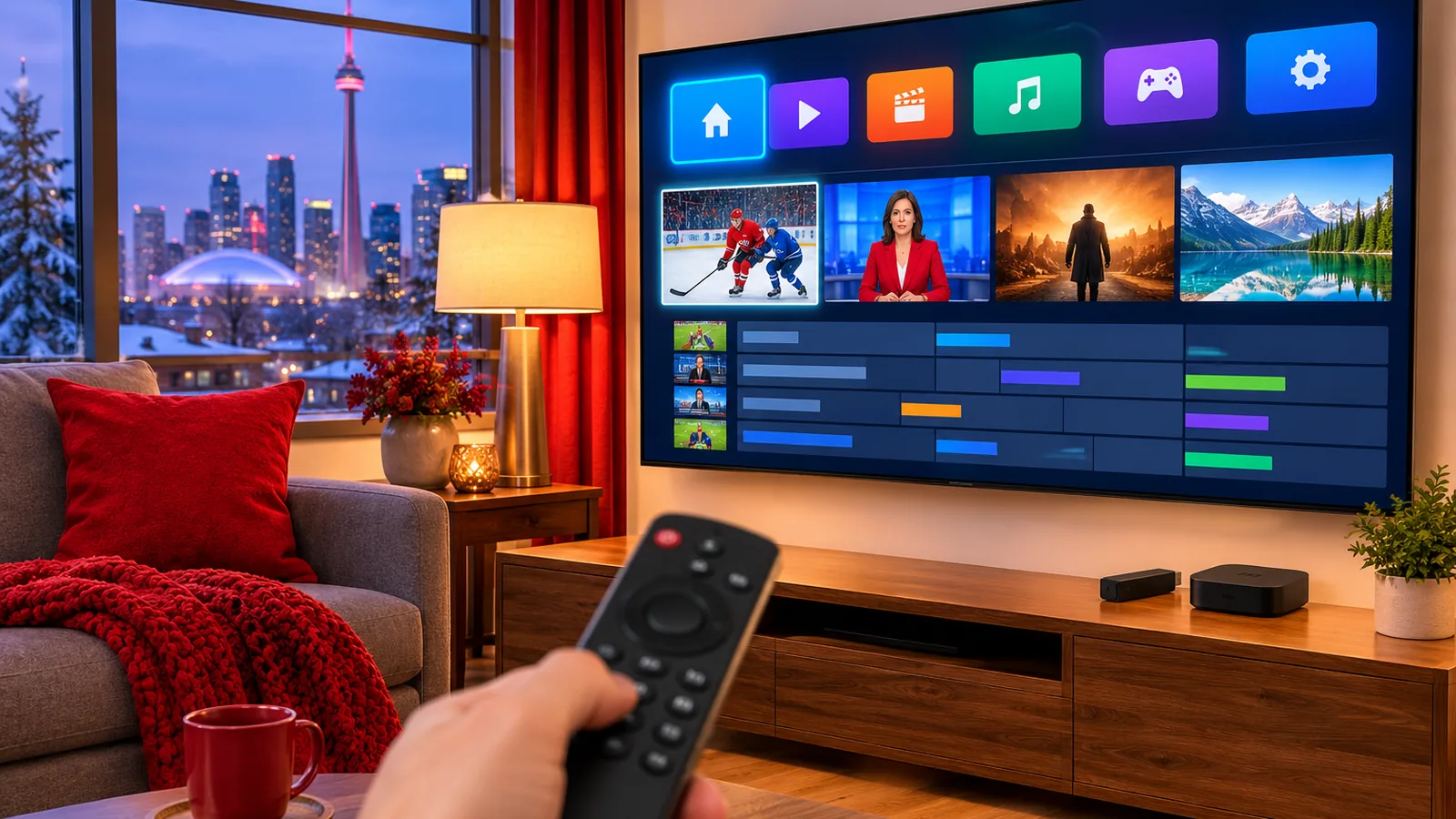
“Can I watch IPTV on my Smart TV?” is one of the first questions Canadians ask before they cut the cord. The short answer is yes, on most Smart TVs sold in Canada, often without any extra box. The longer answer depends on your TV’s brand and operating system. This guide explains which TVs work, which app to use on each one, and what to do if your TV is too old.
How IPTV Works on a Smart TV
A Smart TV runs apps, just like a phone. To watch IPTV, you install an IPTV player app, enter the login details from your subscription, and your channels, TV guide and movies appear on screen. The app is only the player; the channels come from your IPTV service. More background in IPTV in Canada explained.
Smart TV Brands in Canada: Which Ones Work?
| TV brand | System | IPTV on the TV itself? | Guide |
|---|---|---|---|
| Samsung | Tizen | Yes, with a Tizen IPTV player app | Samsung and LG guide |
| LG | webOS | Yes, with a webOS IPTV player app | Samsung and LG guide |
| Sony, Philips, some TCL and Hisense | Google TV / Android TV | Yes – the widest app choice, including TiviMate | Google TV guide |
| Hisense and TCL | VIDAA, Google TV or Roku TV | Depends on the model | Hisense and TCL guide |
| Insignia, Toshiba and others | Fire TV edition | Yes, like a Firestick | Firestick guide |
| Roku TVs | Roku OS | Limited app choice | Roku options |
Not sure which system your TV runs? Press the Home button: the menu style usually tells you, or check the model number online.
Best IPTV Apps by TV System
| System | Popular IPTV players | Notes |
|---|---|---|
| Google TV / Android TV | TiviMate, IPTV Smarters Pro | Best overall experience – see our app comparison |
| Samsung Tizen / LG webOS | Smart TV IPTV players from the TV app store | Choice varies by model and year |
| Fire TV edition | TiviMate, IPTV Smarters Pro | Same steps as a Firestick |
| Roku OS | Very few options | A cheap streaming stick is often easier |
Smart TV App vs Streaming Stick: Which Is Better?
| Smart TV app | Streaming stick or box | |
|---|---|---|
| Extra cost | None | Usually $40–$200 |
| App choice | Depends on the TV brand | Wide (Fire TV, Google TV, Apple TV) |
| Speed | Older TVs can feel slow | Fast, and easy to upgrade later |
| Best for | Newer Samsung, LG, Sony and Google TVs | Older TVs, Roku TVs, the best TV guide experience |
If your TV is more than 5–6 years old or feels slow, a streaming stick is the easiest upgrade. Compare options in our best IPTV device guide and our IPTV box guide.
5 Steps to Watch IPTV on Your Smart TV
- Connect the TV to the internet – Ethernet is best, or strong 5 GHz Wi-Fi.
- Update the TV’s software in Settings.
- Install an IPTV player from the TV’s app store.
- Enter the login details you receive for your free trial or subscription.
- Load the TV guide, add your favourite channels and start watching.
Step-by-step help for every device is on our setup guide page.
Smart TV Tips for Smooth Streaming
- Use Ethernet for the main TV if you can – see our Wi-Fi and Ethernet guide.
- Turn off “motion smoothing” for a more natural picture during sports.
- Restart the TV fully (unplug for 30 seconds) once a week.
- Clear the app cache if channels start loading slowly.
- Choose HD instead of 4K if your connection is under 25 Mbps – see 4K IPTV in Canada.
Smart TV IPTV FAQ
Can I watch IPTV on my Smart TV without a box?
Yes, on most recent Samsung, LG, Sony, Hisense, TCL and Google TV models. You only need an IPTV player app and your subscription details.
Which Smart TV is best for IPTV?
TVs running Google TV or Android TV (such as Sony and many TCL and Hisense models) have the widest choice of IPTV apps, including TiviMate.
My TV doesn’t have an IPTV app. What can I do?
Plug in a streaming stick such as a Fire TV Stick or Google TV Streamer. It turns any TV with an HDMI port into an IPTV-ready TV.
Can I use the same subscription on my Smart TV and phone?
Yes. See how many screens can watch at the same time in our multiple TVs guide.
How much does IPTV cost?
IPStream TV plans in CAD: $29 for 3 months, $49 for 6 months, $79 for 12 months and $159 for 24 months. See pricing.
Test It on Your Own TV
The best way to know is to try. Start a free 24-hour trial on your Smart TV, no card needed. Not sure about your model? Send us your TV brand on WhatsApp and we’ll tell you the easiest setup.
Leave a Reply