
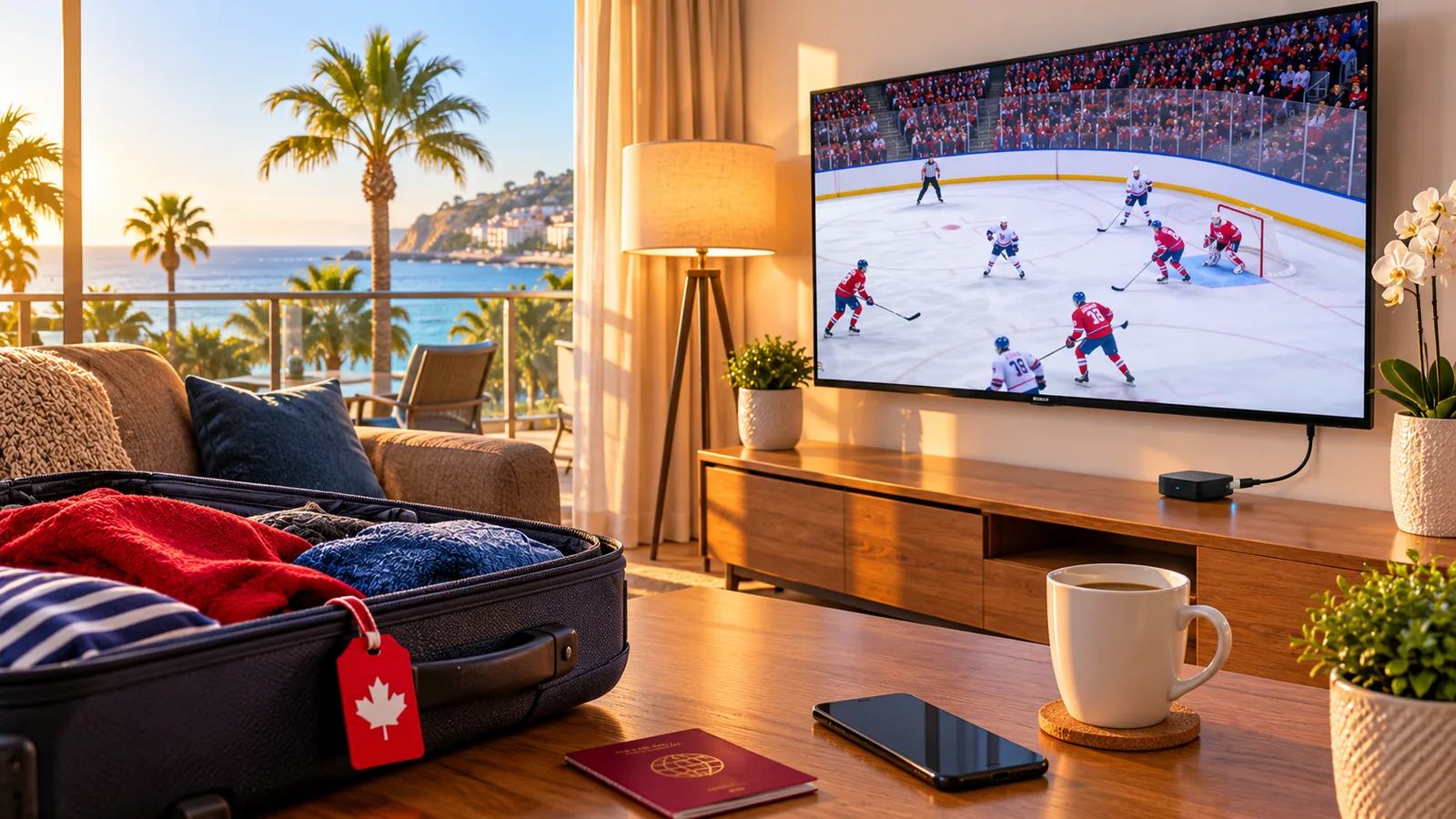
Moving abroad for work, studying overseas, spending the winter somewhere warm or just on a long trip – many Canadians miss the same things: local news, hockey night and the shows they watch at home. This guide explains how to watch Canadian TV outside Canada with IPTV, what internet you need, how to handle time zones and which devices to pack.
Why Canadian TV Is Hard to Watch Abroad
Many Canadian broadcaster apps and cable apps only work with a Canadian connection or a Canadian TV provider account. Cable and satellite boxes stay at home. That is why travellers and expats often end up with no Canadian channels at all once they leave the country.
An IPTV subscription works differently: it streams over the internet to an app on your TV, phone or laptop, so you can keep using the same login wherever you have a good connection.
Who This Guide Is For
| Situation | What usually matters most |
|---|---|
| Expats and families abroad | Canadian news, French and English channels, kids’ shows |
| Students on exchange | Watching on a laptop or phone, low data use |
| Snowbirds | Hockey and local news all winter – see our snowbird guide |
| Business travellers | Hotel Wi-Fi, a small streaming stick, catch-up for missed games |
| Military and remote workers | Reliable streams on slower or satellite internet |
What You Need
- An IPTV subscription with Canadian channels – IPStream TV includes 32,000+ live channels and 200,000+ movies and shows.
- A device: Smart TV, Fire TV Stick, Google TV, Apple TV, phone, tablet or laptop.
- A player app such as TiviMate or IPTV Smarters – see our app comparison.
- Stable internet: around 10 Mbps for HD and 25 Mbps for 4K per screen – details in our internet speed guide.
Time Zones: Don’t Miss the Game
Abroad, Canadian prime time can fall in the middle of your night. A few habits help:
- Set the TV guide time offset to your local time so programme times are correct – see our EPG guide.
- Use catch-up to watch news and shows the next morning.
- For live hockey, check East and West feeds – one may fit your schedule better.
- Keep a Favourites list of the Canadian channels you watch daily.
| Where you are | Difference vs Toronto (approx.) | Tip |
|---|---|---|
| Florida, Mexico, Caribbean | 0 to −1 h | Watch live as at home |
| UK, Portugal | +5 h | Evening games become late night – use catch-up |
| France, Spain, Morocco | +5 to +6 h | Morning news replays work well |
| UAE, Middle East | +8 to +9 h | Watch games the next morning |
| Philippines, China, Australia | +12 to +16 h | Mostly catch-up and on demand |
Hotel and Holiday-Rental Wi-Fi Tips
- Run a speed test in the evening, not only in the afternoon.
- Ask for a room close to the router or use an Ethernet cable if the TV has a port.
- Bring a small travel router to connect several devices at once.
- Choose HD instead of 4K when the connection is unstable.
- If streams freeze, follow our buffering fixes and Fire TV Stick fixes.
Wondering about VPNs? Read our honest VPN and IPTV guide first.
Best Devices to Pack
| Device | Why it travels well |
|---|---|
| Fire TV Stick or Google TV stick | Tiny, plugs into any hotel TV with HDMI |
| Phone or tablet | Watch anywhere, also on mobile data |
| Laptop | Good for students – see our PC and Mac guide |
| Apple TV | Great picture if you stay for months |
Compare options in our best IPTV device guide. Before you leave, install the app and log in at home so everything is ready on arrival.
Quick Setup Checklist Before You Leave
- Start the free 24-hour trial and test your must-have channels.
- Install your player on every device you will take.
- Save your login details somewhere safe (not on a sticky note on the TV).
- Create Favourites: news, hockey, French channels, kids.
- Pack an HDMI cable, a power adapter for the destination country and a travel router.
- Save our WhatsApp chat for quick help from abroad.
Watch Canadian TV Outside Canada FAQ
Can I watch Canadian TV outside Canada with IPTV?
Yes. IPTV streams over the internet, so you can use your subscription wherever you have a stable connection – in a hotel, a holiday rental or your new home abroad.
Can I watch hockey abroad?
Yes, sports channels are part of the line-up. Because of time zones, catch-up is often the easiest way to watch games at a normal hour. See our sports fans guide.
How much internet speed do I need abroad?
About 10 Mbps for HD and 25 Mbps for 4K per screen. Hotel Wi-Fi varies a lot, so test it in the evening.
Can I use it in Canada and abroad on the same subscription?
Yes, it’s the same login. Check how many devices can stream at the same time in our multiple devices guide.
How much does it cost?
Plans in CAD: $29 for 3 months, $49 for 6 months, $79 for 12 months and $159 for 24 months, with a 7-day refund promise. See pricing.
Take Canada With You
Wherever you are, your Canadian channels can come with you. Start a free 24-hour trial before you travel, or message us on WhatsApp and tell us where you’re going – we’ll help you set it up.
Leave a Reply