
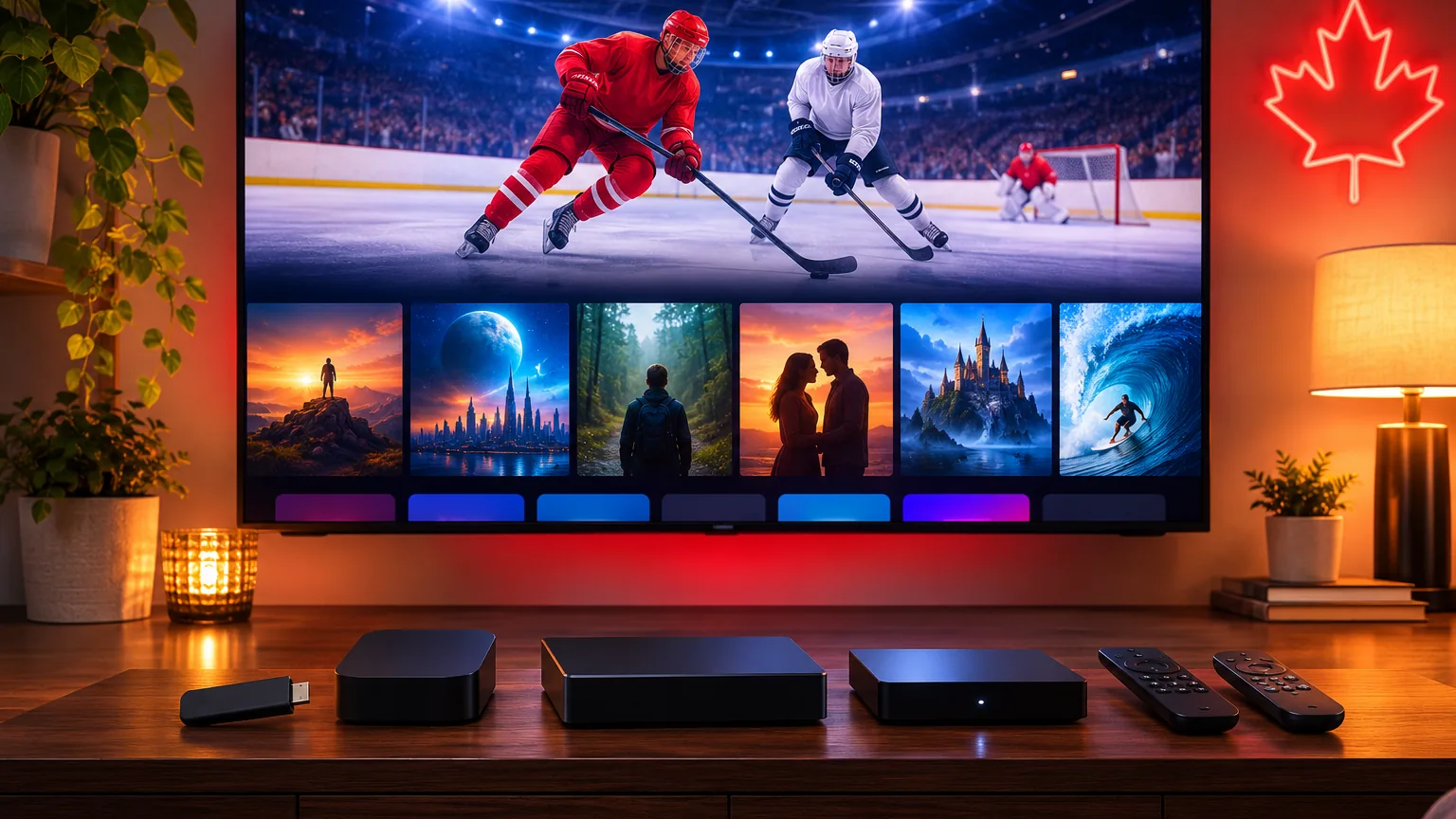
Your streaming device makes a bigger difference to IPTV than most people expect. The same subscription can feel fast and smooth on one box and sluggish on another. This guide compares the best streaming devices for IPTV in Canada in 2026 – Fire TV Stick, Google TV, Apple TV, Nvidia Shield, Smart TV apps and Android boxes – so you can pick the right one for your TV, budget and household.
What Makes a Good IPTV Device?
- Speed: enough processing power and memory to load channel lists and the TV guide quickly.
- App support: access to popular IPTV players such as TiviMate or IPTV Smarters.
- Connection: strong Wi-Fi 5/6 and, ideally, an Ethernet port or adapter.
- Picture: 4K and HDR support if you have a 4K TV.
- Remote: a simple remote the whole family can use.
Quick Comparison
| Device | Best for | Watch out for |
|---|---|---|
| Fire TV Stick 4K / 4K Max | Best value, easy setup, very popular in Canada | Some players need sideloading; storage is limited |
| Google TV devices (Chromecast with Google TV, Google TV Streamer) | Clean interface, Play Store apps | Lower-end models can feel slow with big channel lists |
| Apple TV 4K | Smooth, premium, great for Apple households | Fewer IPTV player choices; higher price |
| Nvidia Shield TV | Fastest Android TV box, great for power users | Higher price; more than most homes need |
| Smart TV apps (Samsung, LG) | No extra box | Player choice and speed vary by TV model and age |
| Android TV boxes | Flexible, many apps | Quality varies a lot – choose a reputable brand |
Fire TV Stick: The Popular All-Rounder
For most Canadian homes, a Fire TV Stick 4K is the easiest starting point: affordable, small and fast enough for live TV and on-demand. Plug it into HDMI, connect to Wi-Fi and install your player. Follow our Firestick IPTV setup guide to be watching in about 10 minutes.
Google TV: Simple and Familiar
Google TV devices give you the Play Store, voice search and a tidy home screen. Players like TiviMate and IPTV Smarters install directly. See our Google TV setup guide.
Apple TV 4K: Premium and Smooth
If your household uses iPhones and iPads, Apple TV 4K is very smooth and easy to use. The choice of IPTV players is smaller, so check that your favourite app is available first. See our Apple TV and iPhone guide.
Nvidia Shield: For Power Users
The Shield is one of the fastest Android TV boxes and handles large channel lists, 4K and multiple apps with ease. It costs more, so it is best for people who stream a lot or want the smoothest experience.
Smart TV Apps: No Extra Box
Many recent Samsung and LG TVs can run IPTV players directly. It is the cheapest option if your TV is fairly new, but older models may be slow. Our Samsung and LG guide explains what to check.
Which Device Should You Choose?
| Your situation | Our suggestion |
|---|---|
| First IPTV device, tight budget | Fire TV Stick 4K |
| You prefer Google and the Play Store | A Google TV device |
| Apple household | Apple TV 4K |
| Big 4K TV, heavy use, several apps | Nvidia Shield TV |
| Recent Samsung or LG TV | Try the TV app first |
| Several TVs in the house | One device per TV – see our multiple TVs guide |
Tips for a Smooth Picture on Any Device
- Use Ethernet or an Ethernet adapter for the main TV when possible.
- Keep the device updated and restart it once a week.
- Clear the player app’s cache if it starts to feel slow.
- Choose HD instead of 4K on busy evenings if the stream stutters.
More help in our freezing fixes and our guide to IPTV player apps.
Best IPTV Device FAQ
Do I need a box for IPTV?
Not always. Many Smart TVs can run IPTV apps. A streaming stick or box is helpful if your TV is older or slow. See Do you need an IPTV box?
Which device is best for 4K IPTV?
Fire TV Stick 4K Max, Google TV 4K devices, Apple TV 4K and Nvidia Shield all support 4K. Read our 4K IPTV guide for the internet speed you need.
How much does IPTV cost?
IPStream TV plans are priced in CAD: $29 for 3 months, $49 for 6 months, $79 for 12 months and $159 for 24 months. See our pricing page.
Test Your Device for Free
Start a free 24-hour trial, no card required, and see how IPTV runs on the device you already own. Not sure which to buy? Ask us on WhatsApp.
Leave a Reply