
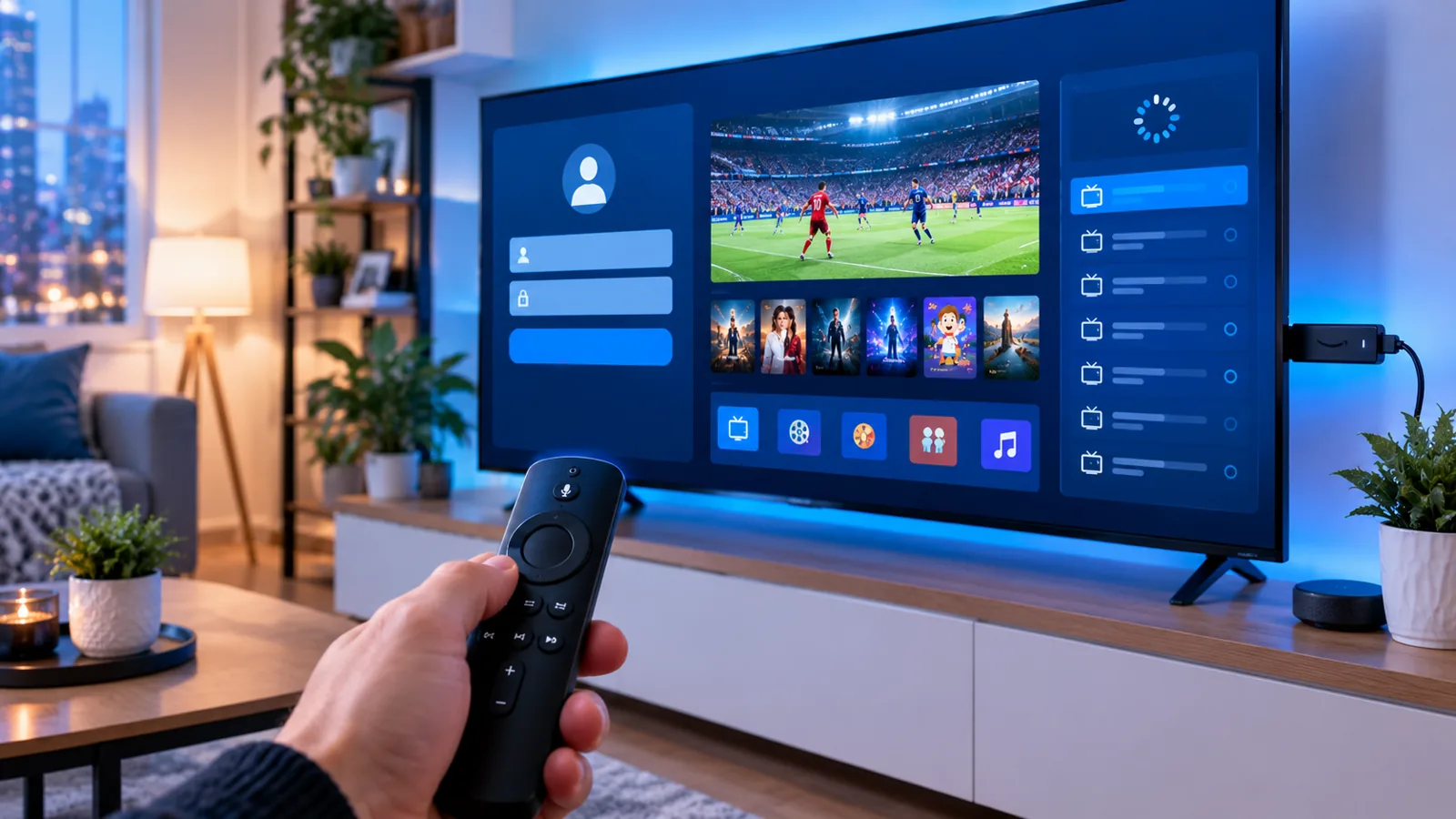
You have your IPTV subscription in Canada. Now what? The good news is that setting up IPTV is easy and usually takes less than 10 minutes.
This step-by-step guide shows you how to set up IPTV in Canada on the most popular devices: Amazon Firestick, Smart TV, Android box, iPhone and computer.
What You Need Before You Start
- An active IPTV subscription (or free trial)
- Your login details: M3U link or Xtream Codes (username, password and server URL)
- A compatible device
- An internet connection of at least 15 Mbps for HD, or 25 Mbps or more for 4K
How to Set Up IPTV on Amazon Firestick
The Firestick is the most popular IPTV device in Canada because it is cheap and simple.
Step 1: Install the Downloader app. On the Firestick home screen, go to Find > Search, type Downloader and install it.
Step 2: Allow apps from unknown sources. Go to Settings > My Fire TV > Developer Options > Install unknown apps and turn it on for Downloader.
Step 3: Install your IPTV player. Open Downloader and enter the download link of the IPTV app recommended by your provider. Some players, like IPTV Smarters or TiviMate, are also available in the app store.
Step 4: Log in. Open the app, choose Login with Xtream Codes API, and enter the username, password and server URL you received.
Step 5: Start watching. Channels, movies and series will load in a few seconds. Full details in our Firestick IPTV setup guide.
How to Set Up IPTV on a Smart TV (Samsung and LG)
- Step 1: Open the app store on your TV (Samsung Apps or LG Content Store).
- Step 2: Search for an IPTV player such as IPTV Smarters Pro, Smart IPTV or IBO Player.
- Step 3: Install and open the app. Some apps show a MAC address on screen.
- Step 4: Enter your login details, or send the MAC address to your provider so they can activate it.
- Step 5: Restart the app and enjoy.
More help: IPTV on Samsung and LG TVs.
How to Set Up IPTV on an Android Box or Android TV
- Open the Google Play Store.
- Search for IPTV Smarters Pro or TiviMate.
- Install the app and open it.
- Choose Xtream Codes or M3U playlist and enter your details.
- Wait for the channels to load.
How to Set Up IPTV on iPhone and Android Phones
- Download IPTV Smarters or GSE Smart IPTV from the App Store or Google Play.
- Open the app and add a new user.
- Enter your Xtream Codes or M3U link.
- Watch anywhere with Wi-Fi or mobile data.
How to Set Up IPTV on Windows or Mac
- Download VLC Media Player or the IPTV Smarters desktop app.
- In VLC, go to Media > Open Network Stream.
- Paste your M3U link and click Play.
Best IPTV Apps in Canada
| App | Best for | Price |
|---|---|---|
| IPTV Smarters Pro | Beginners, all devices | Free |
| TiviMate | Firestick and Android, best EPG | Free / Premium |
| IBO Player | Samsung and LG Smart TVs | Paid activation |
| GSE Smart IPTV | iPhone and iPad | Free |
| VLC | Windows and Mac | Free |
Compare them in detail in our IPTV apps guide.
How to Stop IPTV Buffering
- Use a wired Ethernet cable instead of Wi-Fi when possible.
- Restart your router and device once a week.
- Clear the app cache on Firestick and Android.
- Lower the quality from 4K to HD if your connection is slow.
- Close other apps that use the internet while you watch.
- Choose a stable provider with strong servers in North America.
Frequently Asked Questions
What is the difference between M3U and Xtream Codes?
An M3U link is one long URL that contains your full playlist. Xtream Codes uses a username, password and server URL. Xtream Codes usually loads faster and shows the TV guide better. See M3U vs Xtream Codes.
Which device is best for IPTV in Canada?
The Amazon Firestick 4K and Android TV boxes give the best mix of price, speed and app support.
Can I watch IPTV outside Canada?
Yes, in most cases you can watch from anywhere with an internet connection, but some providers limit the number of connections.
Do I need a VPN for IPTV?
A VPN is not required, but it can protect your privacy and sometimes improve stability if your internet provider slows down streaming traffic. Learn more in Do you need a VPN for IPTV?
Conclusion
Setting up IPTV in Canada is quick and easy on almost any device. Choose a good player app, enter your login details, and you are ready to watch in minutes.
Don’t have a subscription yet? Get your free IPStream TV IPTV trial now and start watching today.
Leave a Reply