
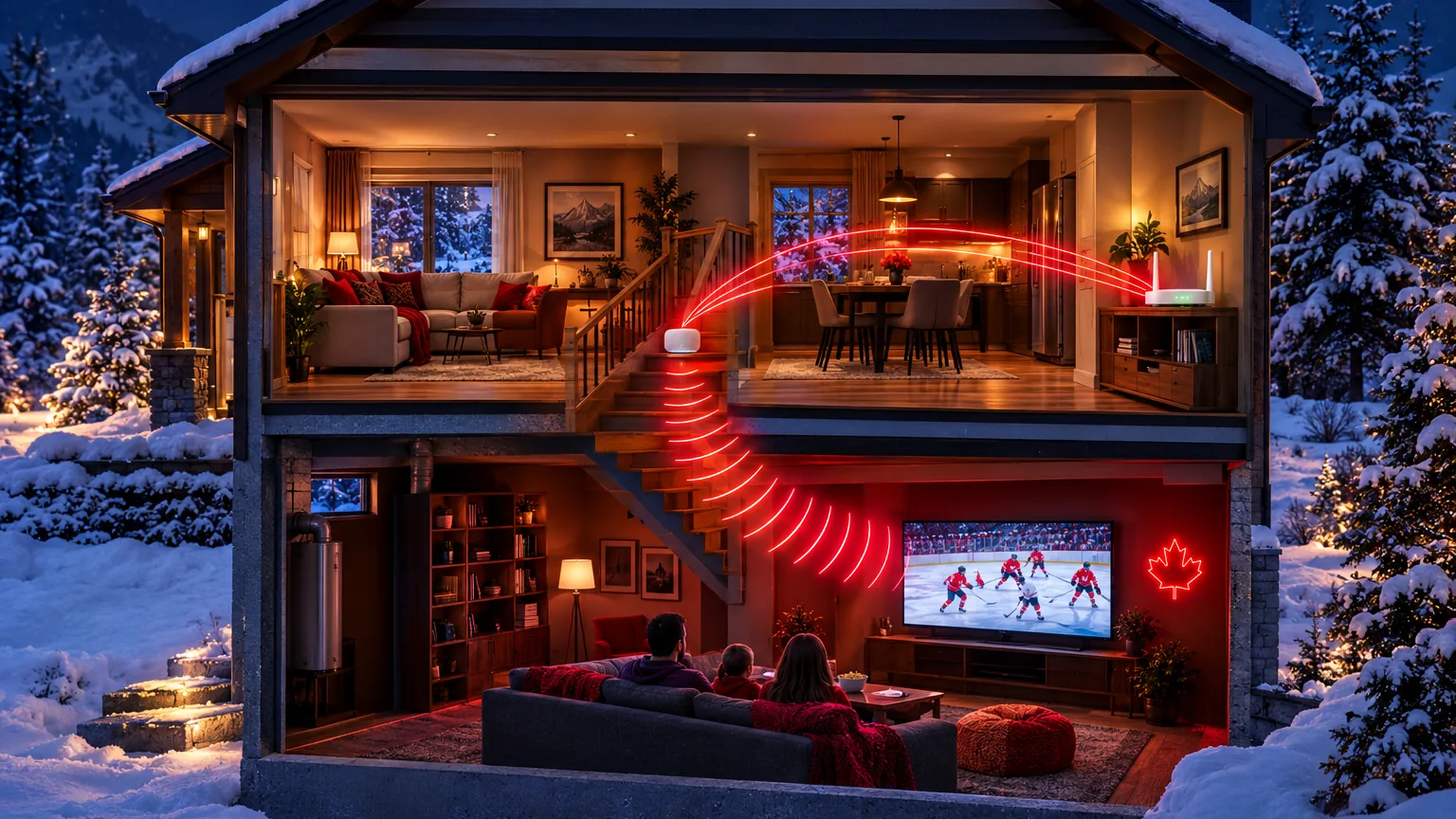
Most IPTV problems in Canadian homes are not caused by the IPTV service. They are caused by Wi-Fi: a router in the wrong place, a basement TV too far away, or a crowded 2.4 GHz network on a busy evening. This guide shows how to get a stable Wi-Fi setup for IPTV in Canada – when to use Ethernet, when you need a mesh system and how to place your router so the picture stays smooth.
Why Wi-Fi Is the Weak Link
IPTV sends a constant stream of video to your TV. Unlike a web page that loads once, the stream needs a steady connection for hours. Walls, floors, microwaves, neighbours’ networks and distance all weaken Wi-Fi, and the first thing you notice is buffering, pixelation or a frozen channel.
Ethernet vs Wi-Fi: Which Is Better?
| Option | Strengths | Weak points |
|---|---|---|
| Ethernet cable | Most stable, no interference, lowest delay | Needs a cable run to the TV |
| 5 GHz Wi-Fi | Fast and usually clear of interference | Shorter range; walls and floors weaken it |
| 2.4 GHz Wi-Fi | Longer range | Crowded and slower; avoid for the main TV |
| Powerline adapters | Use your home’s wiring when Wi-Fi is weak | Performance depends on your wiring |
| Mesh Wi-Fi | Covers a large home with several nodes | Costs more than a single router |
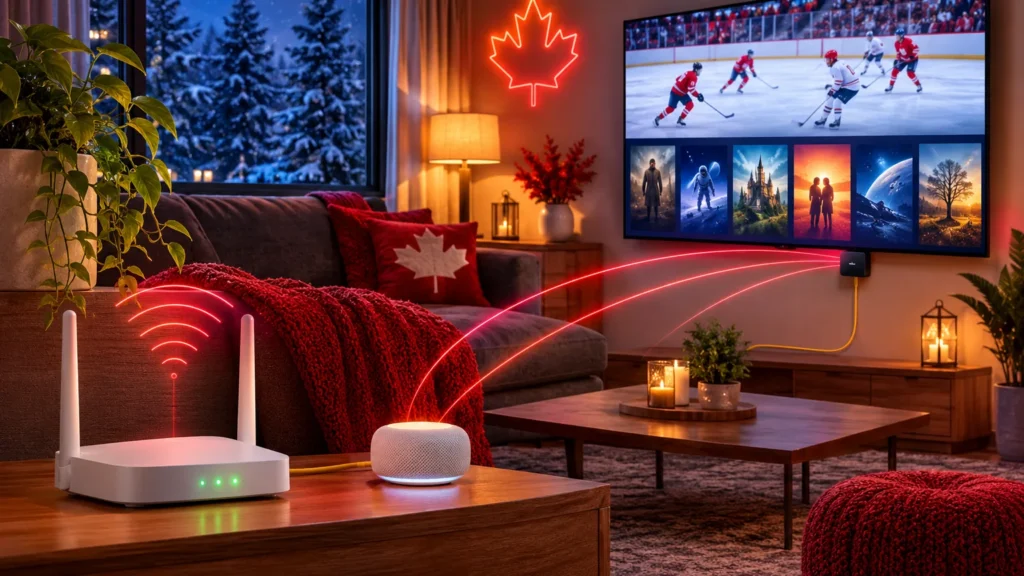
If you can run a cable to the main TV, do it. Ethernet is the simplest fix for most buffering. Many streaming devices need a small adapter to add an Ethernet port; check what yours supports. For help choosing a device, see our guide to the best streaming devices for IPTV.
Where to Put Your Router
- Place it in a central, open spot, ideally on the main floor and off the floor.
- Keep it away from microwaves, cordless phones, thick walls and metal shelves.
- Avoid cabinets, basements corners and behind the TV.
- Point antennas straight up if your router has them.
- Keep the modem and router powered and ventilated.
Do You Need Mesh Wi-Fi?
A mesh system uses a main router plus extra nodes placed around your home so every room gets a strong signal. It is worth considering if:
- you have two or three floors, or a long layout;
- the TV is in the basement or far from the router;
- you have older brick or plaster walls that block signals;
- several people stream at once.
Put each mesh node about halfway between the router and the weak spot, not in the weak spot itself. If your nodes support a wired connection between them, use it: a wired backhaul gives the best result.
Router Settings That Help IPTV
- Use 5 GHz for the TV and streaming device; keep 2.4 GHz for far-away devices.
- Pick a less crowded channel if your router offers it.
- Turn on QoS or device priority for the main TV if available.
- Update the router firmware and restart it once a month.
- Name your 2.4 GHz and 5 GHz networks differently so you choose the right one.
How Much Speed Do You Need?
| Quality | Rough speed per stream |
|---|---|
| HD | 10–15 Mbps |
| Full HD | About 20 Mbps |
| 4K | 25 Mbps or more |
Add up every screen that can stream at the same time, plus phones and laptops. Read our internet speed guide and, if your connection is the issue, our guide to using IPTV with Bell, Rogers, Telus and Videotron.
Wi-Fi Problems and Fixes
| Problem | Fix |
|---|---|
| Buffering only in the basement | Add a mesh node or powerline adapters, or use Ethernet |
| Fine in the day, slow at night | Switch to 5 GHz and test again; try a different channel |
| Stream drops when someone microwaves | Move the router away from the kitchen or use 5 GHz |
| Wi-Fi shows full bars but video stutters | Test speed on the TV itself; use Ethernet if possible |
| Several TVs buffer at once | Check your total speed and lower quality on secondary screens |
More fixes in our freezing fixes and our multiple TVs guide.
IPTV Wi-Fi Setup FAQ
Do I need a special router for IPTV?
No special IPTV router is needed. A reliable modern router with 5 GHz support, placed well, is usually enough. Mesh Wi-Fi helps larger homes.
Is Wi-Fi 6 worth it for IPTV?
It can help in busy homes with many devices, but a good placement and an Ethernet cable make a bigger difference than the Wi-Fi version.
How much does IPTV cost?
IPStream TV plans are priced in CAD: $29 for 3 months, $49 for 6 months, $79 for 12 months and $159 for 24 months. See our pricing page.
Test Your Setup for Free
Start a free 24-hour trial, no card required, and watch during your busiest evening hours to see how your Wi-Fi performs. Need help with your setup? Message us on WhatsApp.
Leave a Reply