
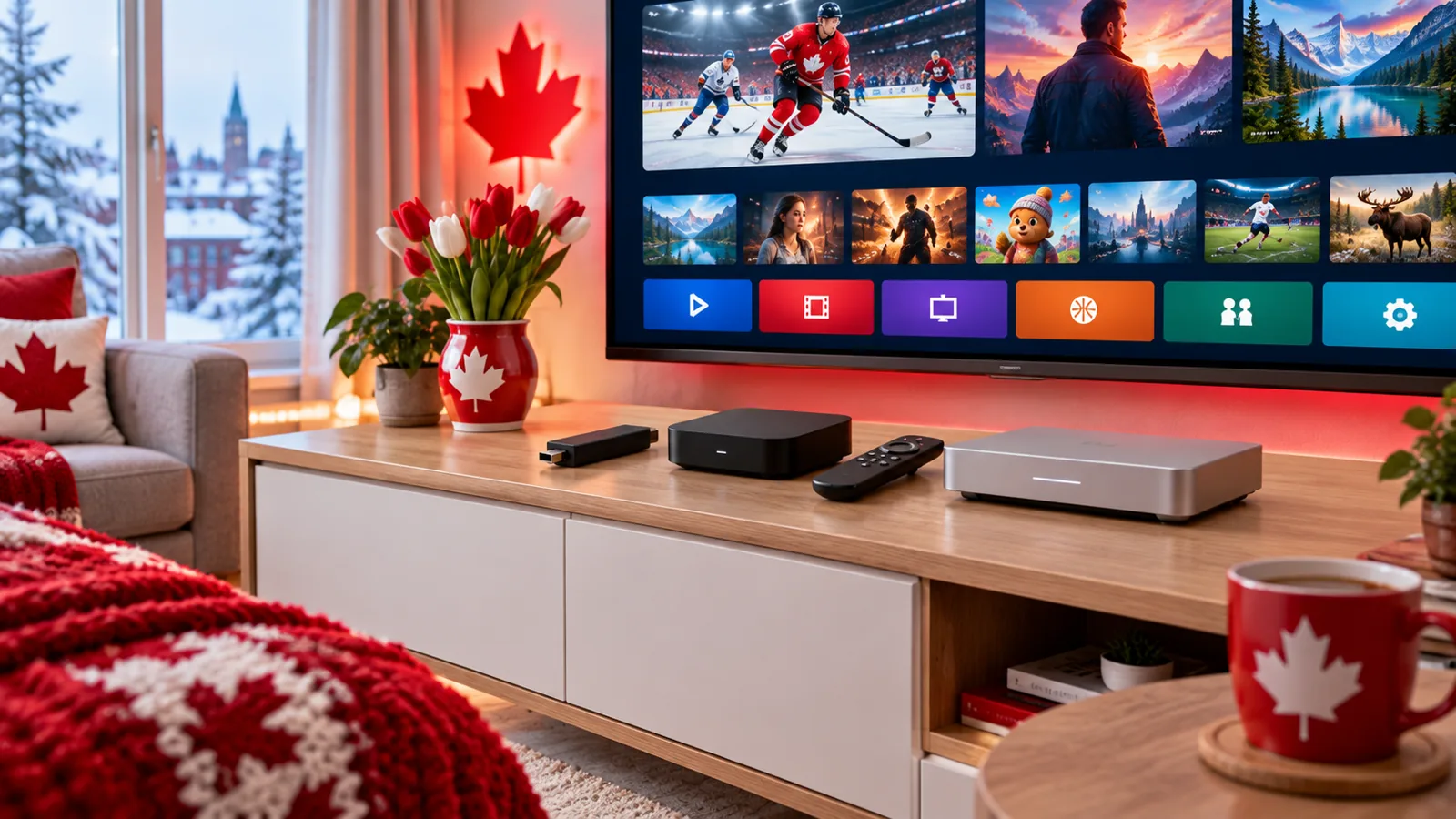
Search for an IPTV box in Canada and you will find everything from small streaming sticks to “fully loaded” boxes that promise every channel for life. Before you spend money, it helps to know one thing: the box is only the player. This guide explains whether you actually need an IPTV box, the types of devices Canadians use, how to choose one and how to set it up in a few minutes.
Do You Actually Need an IPTV Box?
Often, no. IPTV runs through an app, and that app works on many devices you may already own. If your TV is a recent Samsung or LG Smart TV, you can usually install a player app directly. A phone, tablet or computer works as well. A separate box or stick makes sense when your TV is older, slow, or does not have the app you want.
- You probably do not need a box if you have a recent Smart TV. See our Samsung and LG setup guide.
- A box or stick helps if your TV has no app store, feels slow, or you want the same experience on every TV in the house.
Types of IPTV Devices Canadians Use
| Device type | Good for | Keep in mind |
|---|---|---|
| Streaming stick (such as a Fire TV Stick) | Most homes, the lowest cost way to start | Limited storage; Wi-Fi only unless you add an Ethernet adapter |
| Android TV / Google TV box | Faster menus, more storage, Ethernet port on many models | Quality varies a lot between brands |
| Apple TV | Households already using iPhone and iPad | Higher price |
| Smart TV app | No extra hardware at all | App choice depends on the TV brand and model year |
| Dedicated IPTV set-top box | A remote and menu built only for live TV | Usually tied to one type of login; less flexible |
Step-by-step help is in our Firestick IPTV setup and Apple TV, iPhone and iPad guide.
How to Choose the Right Box
- Ethernet port – a wired connection is the best fix for buffering during live sports.
- Enough memory and storage – cheap boxes with very little memory get slow quickly.
- Regular software updates – choose a known brand that still updates its devices.
- 4K support only if your TV and internet can use it.
- A real app store so you can install and update your IPTV player safely.
- A comfortable remote – you will use it every day.
Not sure which player app to install afterwards? Compare the options in our IPTV apps guide.
Be Careful With “Fully Loaded” Boxes
Some sellers advertise boxes pre-loaded with apps that promise free channels forever. Treat these with caution. You do not know what software is installed, the apps can stop working without warning and there is nobody to call when they do. Pre-loaded boxes sold this way have also been the subject of legal action in Canada. A clean device from a known brand, plus a service you can test first, is the safer route. Our guide to IPTV legality in Canada explains what to check.
Setting Up Your IPTV Box in 5 Steps
- Connect the box to your TV by HDMI and to the internet, by Ethernet if possible.
- Sign in and install any system updates.
- Install an IPTV player app from the official app store.
- Enter the login details from your provider.
- Add your favourite channels and check that the TV guide loads.
If the picture stutters, work through our IPTV freezing fixes, and check how much internet speed you need.
Already have a game console under the TV? See IPTV on Xbox and PlayStation. For a Chromecast, follow our Google TV setup.
IPTV Box FAQ
What is the best IPTV box in Canada?
There is no single best box. A streaming stick suits most homes; a box with an Ethernet port and more memory is better for a busy household or 4K viewing.
Can I use IPTV without a box?
Yes. Many Smart TVs, phones, tablets and computers run IPTV player apps directly.
Does the box include channels?
No. The box is only the player. Channels come from your IPTV subscription.
Can I use one subscription on several devices?
You can install the app on more than one device. How many can watch at the same time depends on your plan.
Test It on the Device You Already Own
Before buying any hardware, try IPStream TV on your current TV, phone or stick with a free 24-hour trial, no card required. Then compare plans on our pricing page, or ask us which device suits your TV on WhatsApp.
Leave a Reply