
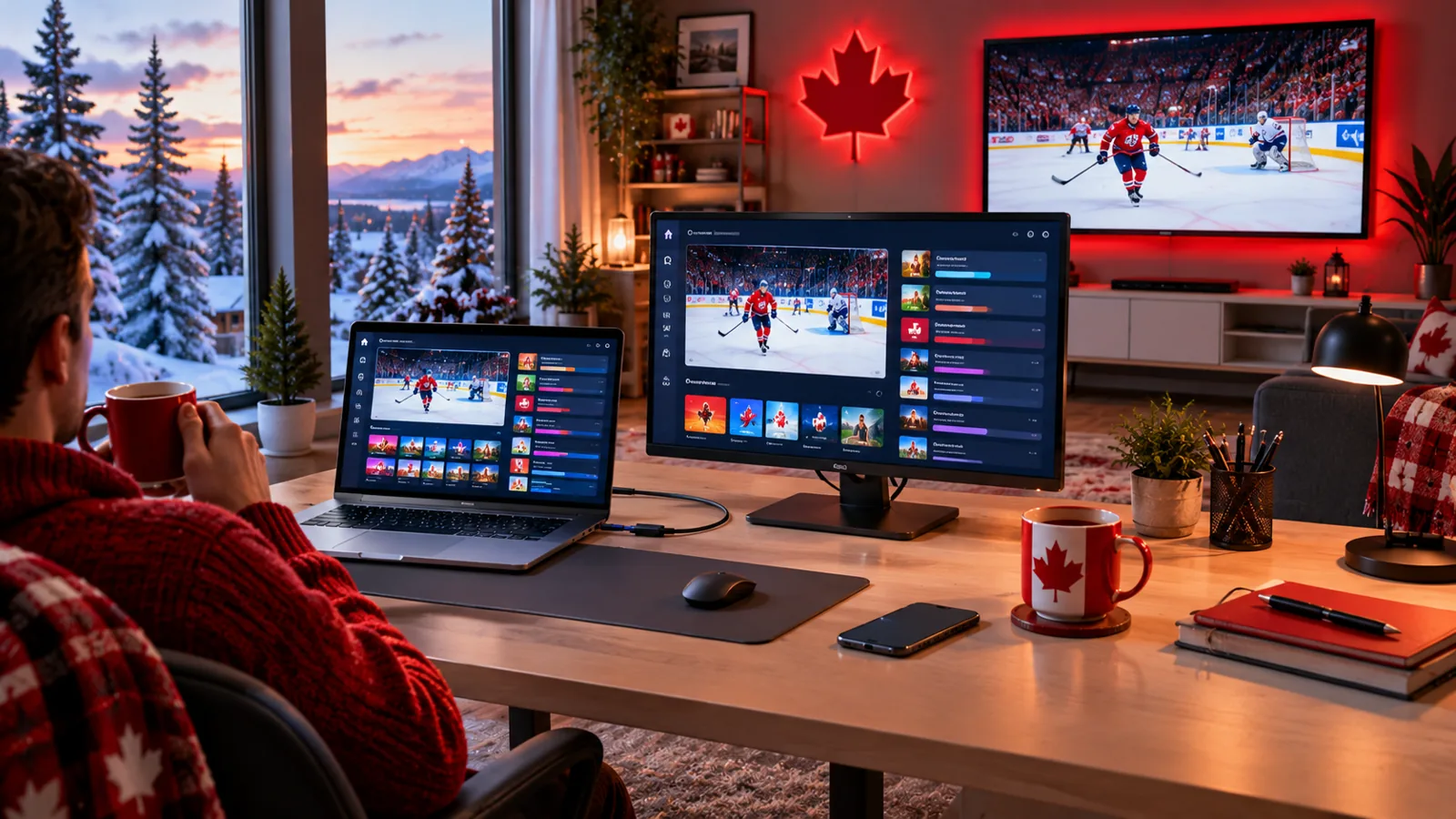
No TV in the room? No problem. You can watch IPTV on a Windows PC or Mac in Canada using a player app or a media player you may already have. This guide shows the main ways to watch IPTV on a laptop or desktop, how to set it up step by step and how to send the picture to a bigger screen when you want to.
Why Watch IPTV on a Computer?
- No extra hardware – use the laptop you already own.
- Perfect for small spaces – dorm rooms, home offices and studios.
- Watch while you work – keep the news or the game in a window.
- Easy to take with you – to the cottage, a hotel or a friend’s place.
Ways to Watch IPTV on Windows and Mac
| Option | Good for | Keep in mind |
|---|---|---|
| Desktop IPTV player app | A TV-style interface with a guide and favourites | Install it only from the developer’s official site or app store |
| Media player that opens playlists (such as VLC) | Quick playback with a playlist link or file | Basic interface; the TV guide may be limited |
| Web player | Nothing to install | Depends on the provider and your browser |
Compare popular player apps in our IPTV apps guide.
Step-by-Step Setup on a PC or Mac
- Make sure your computer and operating system are up to date.
- Download a player app from its official website or the Microsoft Store or Mac App Store.
- Open the app and choose to add a new playlist or login.
- Enter the login details from your provider.
- Wait for channels and the TV guide to load, then add your favourites.
Getting the Best Picture on a Laptop
- Plug the laptop into power; battery saving can lower video performance.
- Use Ethernet or sit close to a 5 GHz Wi-Fi router.
- Close other heavy apps and browser tabs.
- Choose HD if your connection is busy. See our speed guide.
- If the picture stutters, work through our freezing fixes.
Sending It to a Bigger Screen
Want the game on the TV? Connect the laptop with an HDMI cable for the most reliable picture, or install the app directly on the TV instead. See our Samsung and LG setup and Firestick setup. Apple users can also read our Apple TV and iPhone guide.
Staying Safe
- Download apps only from official sources.
- Keep your antivirus and system updates on.
- Avoid “free” players bundled with unknown playlists. Our free IPTV guide explains the risks.
IPTV on PC and Mac FAQ
Can I watch IPTV on a Mac?
Yes. Several player apps and media players run on macOS.
Do I need a powerful computer?
No. Most laptops from the last several years handle HD streaming well.
Can I use the same subscription on my PC and TV?
You can install the app on both. How many can stream at the same time depends on your plan.
Try It on Your Computer Today
Start a free 24-hour trial, no card required, and test IPStream TV on your laptop or desktop. Need help choosing an app? Message us on WhatsApp.
Leave a Reply