
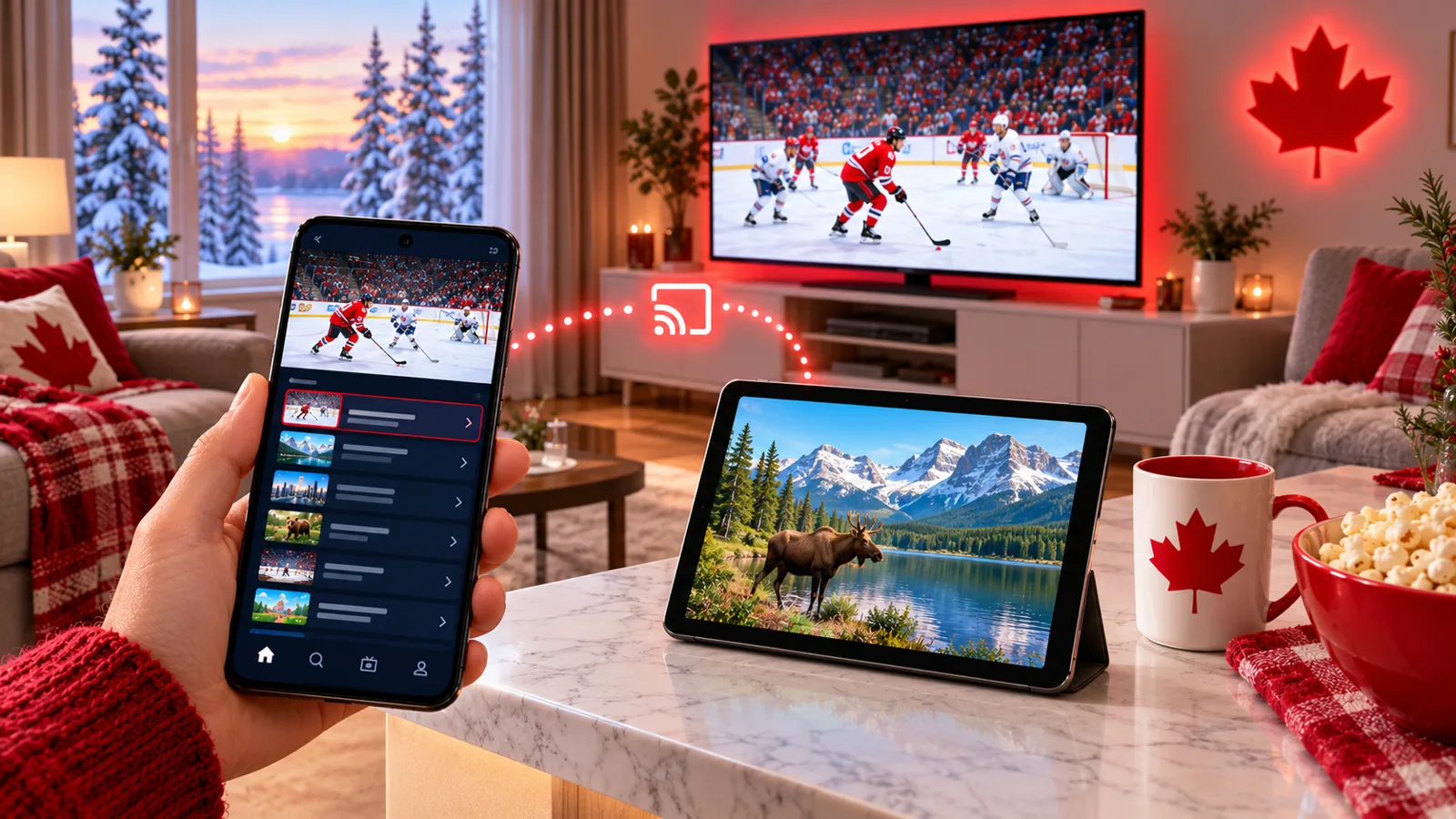
Your phone is probably the screen you use most, so why not watch live TV on it? This guide shows how to set up IPTV on an Android phone or tablet in Canada in about five minutes: which app to install, how to log in, how to save mobile data and how to cast the picture to your TV when you get home.
What You Need
- An Android phone or tablet with a recent version of Android.
- The Google Play Store to install a player app safely.
- Wi-Fi or a mobile data plan. About 10–15 Mbps is comfortable for HD.
- Your IPTV login details. No account yet? Start a free 24-hour trial.
Set Up IPTV on Android in 5 Steps
- Open the Google Play Store and search for an IPTV player app. Compare options in our IPTV apps guide.
- Install the app and open it.
- Choose add playlist or log in, and enter the details from your provider.
- Wait for channels and the TV guide to load.
- Add your must-watch channels to favourites.
Only install apps from the Play Store. Unknown APK files from websites or chat groups can carry malware; our free IPTV guide explains why.
Phone vs. Tablet
| Phone | Tablet | |
|---|---|---|
| Best for | Watching on the go, quick checks on the score | Kitchen, bedroom, kids’ viewing |
| Screen | Small, very portable | Bigger, easier to share |
| Battery | Drains faster on long streams | Usually lasts longer |
Save Mobile Data
- Stream on Wi-Fi whenever you can.
- Lower the quality to SD or HD on mobile data; avoid 4K.
- Check your data usage in Android settings after a big game.
- Close the app when you stop watching so it does not keep streaming.
Find out how much data streaming uses in our speed and data guide.
Cast From Your Phone to the TV
Many Android apps can cast to a Chromecast or a TV with casting built in. For the most reliable picture on the big screen, install the app directly on the TV or a streaming stick instead; see our Smart TV guide and Firestick setup.
Quick Fixes if It Stutters
- Switch from mobile data to Wi-Fi, or move closer to the router.
- Restart the app, then the phone.
- Clear the app cache in Android settings.
- Lower the quality one step.
- Still stuck? Try our freezing fixes.
IPTV on Android FAQ
Can I watch IPTV on my Android phone in Canada?
Yes. Install a player app from the Play Store and sign in with your IPTV login.
Does it work on mobile data?
Yes, but it uses data quickly. Choose a lower quality on mobile data and use Wi-Fi when possible.
Can I use the same login on my phone and TV?
You can install the app on both. How many can stream at once depends on your plan.
Start Watching on Your Phone
Get a free 24-hour trial, no card required, and set it up on your Android phone or tablet today. Need help? Message us on WhatsApp.
Leave a Reply