
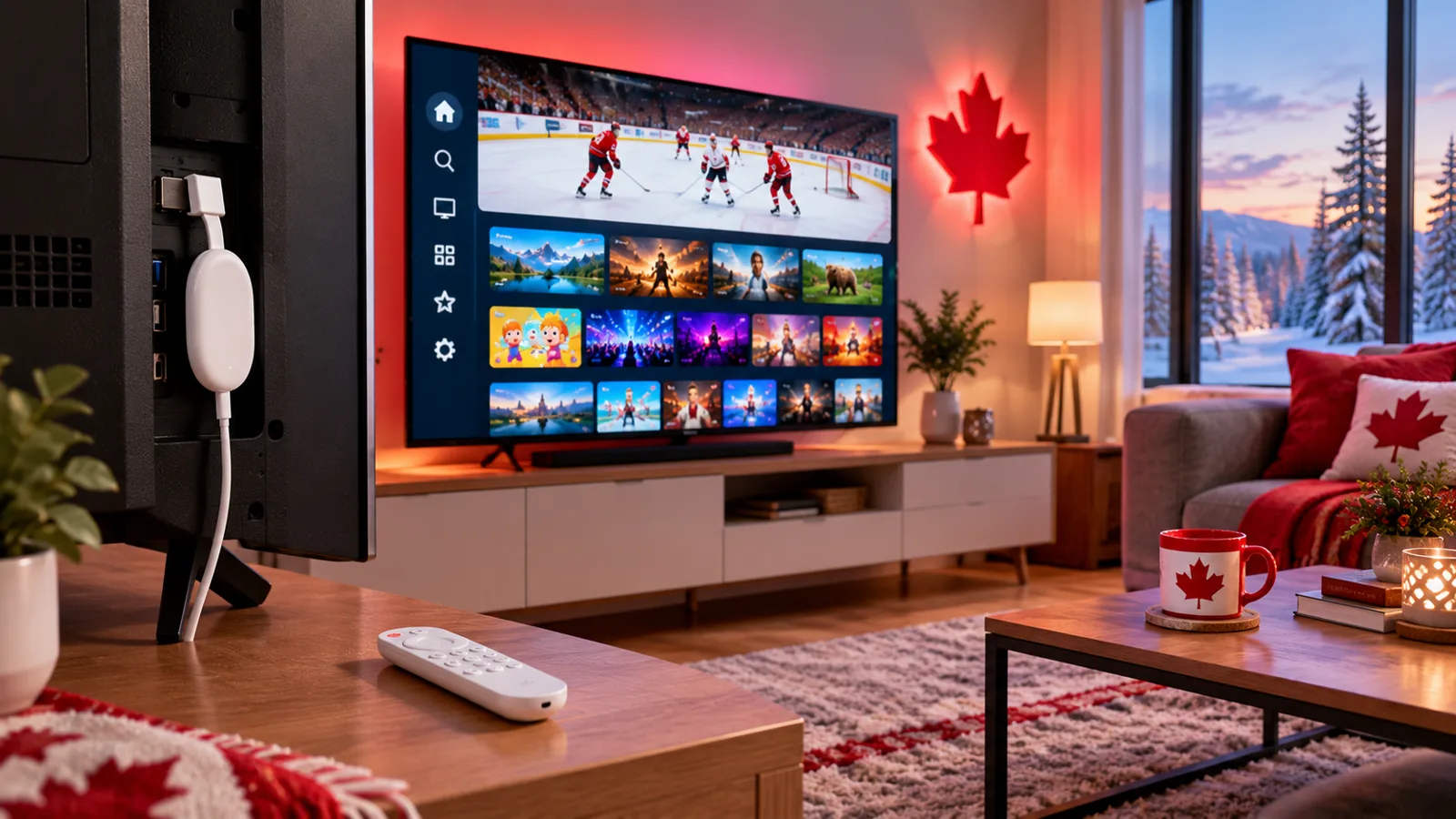
A Chromecast with Google TV or a Google TV Streamer is one of the easiest ways to put IPTV on any TV in Canada. It plugs into HDMI, comes with a remote and runs apps from the Google Play Store. This guide shows how to set up IPTV on Google TV step by step, which models work best and how to get a smooth picture.
Which Google Devices Work?
| Device | Installs IPTV apps? | Notes |
|---|---|---|
| Chromecast with Google TV | Yes | Has a remote and the Play Store |
| Google TV Streamer | Yes | Newer box with more power and an Ethernet port |
| TVs with Google TV built in | Yes | Same Play Store experience, no extra device |
| Older Chromecast (no remote) | No | Can only receive casts from a phone or computer |
Set Up IPTV on Google TV in 6 Steps
- Plug the device into your TV and finish the Google TV setup.
- Connect to Wi-Fi, or use Ethernet if your model or adapter allows it.
- Open Apps and search the Google Play Store for an IPTV player. Compare options in our IPTV apps guide.
- Install the app and open it.
- Enter the login details from your provider.
- Let the channels and TV guide load, then add your favourites.
Tips for a Smooth Picture
- Use Ethernet if you can; it is the best cure for buffering during live sports.
- Keep storage free by uninstalling apps you do not use.
- Update the device and the IPTV app regularly.
- Choose HD on busy evenings if 4K stutters.
- Still stuck? Work through our freezing fixes.
Google TV vs. Fire TV Stick
Both are affordable and run the same popular IPTV players. Google TV suits households already using Android phones and Google accounts; Fire TV suits Amazon households. Either works well. See our Firestick setup guide and our IPTV box guide to compare.
Casting From Your Phone
Already have the app on your phone? Many Android apps can cast to Google TV. For everyday viewing, installing the app on the Google TV device itself gives a more stable picture. See our Android phone guide.
IPTV on Chromecast with Google TV FAQ
Can I install IPTV apps on Chromecast with Google TV?
Yes. It has the Google Play Store, so you can install IPTV player apps directly.
Does an older Chromecast work?
Older Chromecasts without a remote cannot install apps; they can only receive a cast from a phone or computer.
How much internet speed do I need?
About 10–15 Mbps per HD stream. See our speed guide.
Try It on Your Google TV
Start a free 24-hour trial, no card required, and set up IPStream TV on your Google TV in minutes. Questions? Message us on WhatsApp.
Leave a Reply