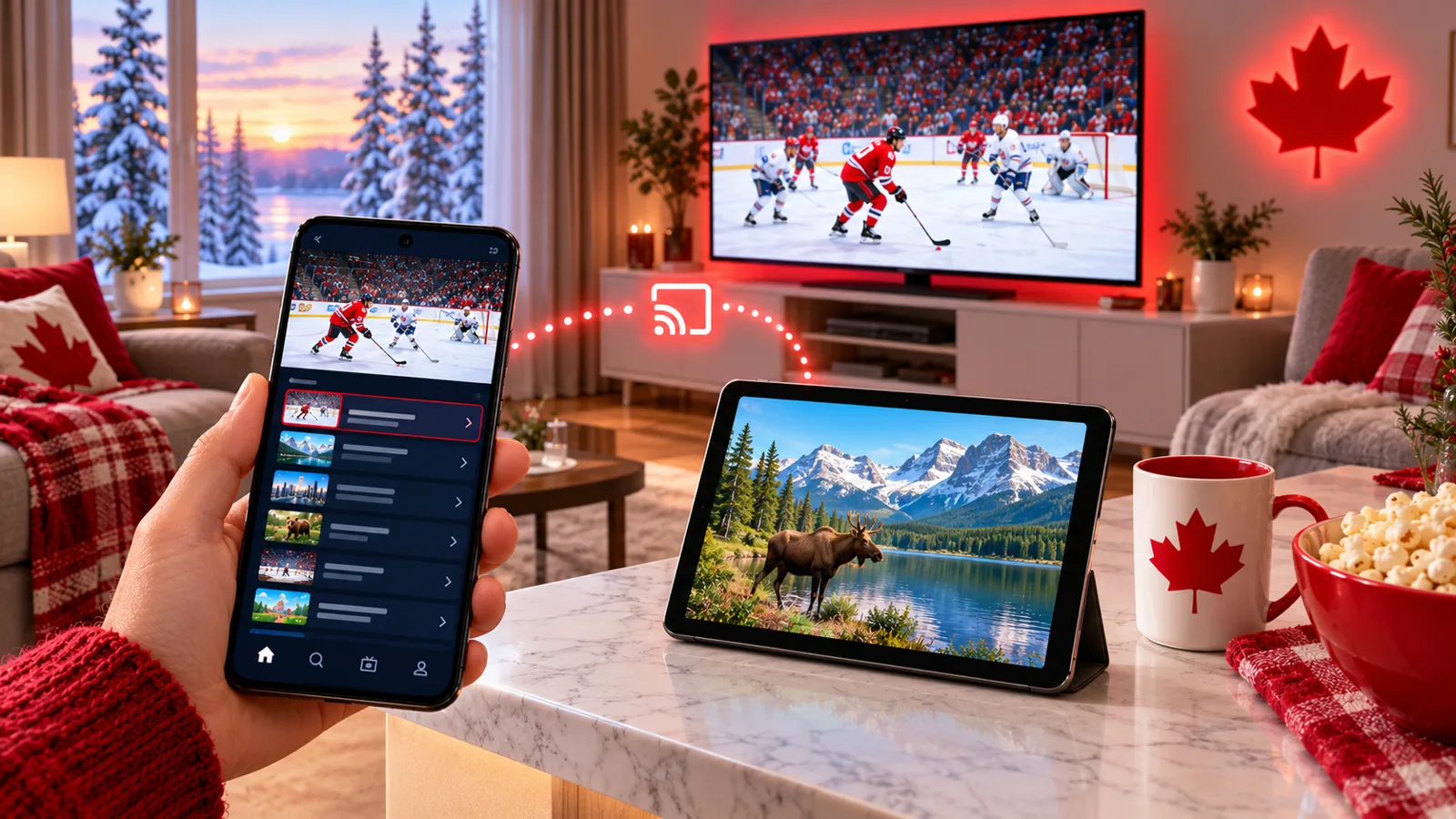
Your phone is probably the screen you use most, so why not watch live TV on it? This guide shows how to set up IPTV on an Android phone or tablet in Canada in about five minutes: which app to install, how to log in, how to save mobile data and how to cast the picture to your TV when you get home.
What You Need
An Android phone or tablet with a recent version of Android.
The Google Play Store to install a player app safely.
Wi-Fi or a mobile data plan. About 10–15 Mbps is comfortable for HD.
Many Android apps can cast to a Chromecast or a TV with casting built in. For the most reliable picture on the big screen, install the app directly on the TV or a streaming stick instead; see our Smart TV guide and Firestick setup.
Quick Fixes if It Stutters
Switch from mobile data to Wi-Fi, or move closer to the router.
No TV in the room? No problem. You can watch IPTV on a Windows PC or Mac in Canada using a player app or a media player you may already have. This guide shows the main ways to watch IPTV on a laptop or desktop, how to set it up step by step and how to send the picture to a bigger screen when you want to.
Why Watch IPTV on a Computer?
No extra hardware – use the laptop you already own.
Perfect for small spaces – dorm rooms, home offices and studios.
Watch while you work – keep the news or the game in a window.
Easy to take with you – to the cottage, a hotel or a friend’s place.
Ways to Watch IPTV on Windows and Mac
Option
Good for
Keep in mind
Desktop IPTV player app
A TV-style interface with a guide and favourites
Install it only from the developer’s official site or app store
Make sure your computer and operating system are up to date.
Download a player app from its official website or the Microsoft Store or Mac App Store.
Open the app and choose to add a new playlist or login.
Enter the login details from your provider.
Wait for channels and the TV guide to load, then add your favourites.
Getting the Best Picture on a Laptop
Plug the laptop into power; battery saving can lower video performance.
Use Ethernet or sit close to a 5 GHz Wi-Fi router.
Close other heavy apps and browser tabs.
Choose HD if your connection is busy. See our speed guide.
If the picture stutters, work through our freezing fixes.
Sending It to a Bigger Screen
Want the game on the TV? Connect the laptop with an HDMI cable for the most reliable picture, or install the app directly on the TV instead. See our Samsung and LG setup and Firestick setup. Apple users can also read our Apple TV and iPhone guide.
Staying Safe
Download apps only from official sources.
Keep your antivirus and system updates on.
Avoid “free” players bundled with unknown playlists. Our free IPTV guide explains the risks.
IPTV on PC and Mac FAQ
Can I watch IPTV on a Mac?
Yes. Several player apps and media players run on macOS.
Do I need a powerful computer?
No. Most laptops from the last several years handle HD streaming well.
Can I use the same subscription on my PC and TV?
You can install the app on both. How many can stream at the same time depends on your plan.
Living outside the city does not mean giving up live TV. More and more households in rural Canada, from farms on the Prairies to cabins in Northern Ontario, are using IPTV in rural Canada over satellite internet, fixed wireless or 5G home internet. This guide explains which connections work, how to handle data caps and how to keep the picture smooth when your internet is not big-city fast.
Can IPTV Work on Rural Internet?
Yes, if the connection is stable enough. IPTV needs a steady stream of data rather than a huge headline speed. As a rough guide, plan on 10–15 Mbps of stable bandwidth for each HD stream. Many rural connections can manage that, especially outside the busiest evening hours.
Rural Internet Options Compared
Connection
How it usually performs for IPTV
Watch out for
Low-orbit satellite (such as Starlink)
Often fast enough for HD streaming
Speeds vary by location and time; obstructions such as trees
Fixed wireless
Good when you have a clear line of sight to the tower
Many rural plans include a monthly data allowance. Streaming in HD uses a few gigabytes per hour, and 4K uses much more, so it is worth planning ahead.
Choose HD instead of 4K on every screen.
Check your provider’s usage meter after a big weekend of sports.
Turn off autoplay and close the app when nobody is watching.
Schedule large downloads and system updates for off-peak times if your plan allows it.
Getting the Smoothest Picture in the Country
Mount the dish or antenna properly with a clear view of the sky or tower.
Wire the main TV to the router with Ethernet.
Restart the router before a big game.
Watch at off-peak times when the network is quieter, if your service slows in the evening.
Lower the quality one step if the stream stutters. See our freezing fixes.
Cottage, Cabin and Farm Setups
If you split your time between the city and the country, your login travels with you. Pack a streaming stick, plug it into the TV at the cabin and sign in. Our guide to watching IPTV away from home covers cottages and RVs, and our Firestick setup guide gets you going in minutes.
IPTV in Rural Canada FAQ
Does IPTV work with Starlink in Canada?
Many households use low-orbit satellite internet for streaming. Results depend on your location and setup, so test during a free trial before you subscribe.
How much data does IPTV use?
HD streaming uses a few gigabytes per hour; 4K uses considerably more. Choosing HD saves a lot of data.
What if my internet is too slow?
Try one screen at a time in HD, use Ethernet and watch outside peak hours. If it still struggles, your connection may not be ready for live streaming yet.
Missed the game, the news or the latest episode? Many viewers expect to rewind live TV the way they did with a cable PVR. This guide explains IPTV catch-up and recording in Canada: what catch-up TV is, how it differs from recording, which apps and devices support these features and how to check before you subscribe.
Catch-Up, Recording and On-Demand: What Is the Difference?
Feature
What it does
Where it comes from
Catch-up TV
Watch a programme that already aired on a live channel, for a limited number of days
Must be supported by the provider for that channel
Recording (PVR)
Saves a live programme so you can watch later
Depends on the player app and the device’s storage
On-demand (VOD)
A library of films and series to watch any time
Part of the service’s on-demand section
How IPTV Catch-Up Works
When a channel supports catch-up, the TV guide shows past programmes you can still open. You scroll back in the guide, select the show and press play. Availability varies by channel and by provider, so it is worth checking the channels you care about during a trial.
Recording IPTV: What You Need
A player app with recording – some IPTV apps include it, others do not. Compare them in our IPTV apps guide.
Storage – a streaming stick has little space; a box with more storage or a USB drive helps. See our IPTV box guide.
A stable connection while the recording runs.
A working TV guide so recordings start at the right time. See our EPG fixes.
Before You Subscribe: Questions to Ask
Which channels offer catch-up, and for how many days?
Does the recommended app support recording on my device?
Is there an on-demand section for films and series?
Can I test these features during the free trial?
You can ask us any of these on WhatsApp before you start.
Tips for Never Missing the Game
Add sports channels to favourites so they are one click away.
Check the TV guide earlier in the day for start times.
Use a phone or tablet to catch the live game away from home. See our live sports guide.
Mute score alerts if you plan to watch later.
IPTV Catch-Up and Recording FAQ
Can I record IPTV in Canada?
It depends on the player app and your device. Some apps support recording to device storage or a USB drive.
Is catch-up available on every channel?
No. Catch-up depends on the provider and the channel. Check during the free trial.
Does recording use more internet?
A recording uses about the same bandwidth as watching the channel live.
Test the Features on Your TV
Start a free 24-hour trial, no card required, and check live TV, the guide and on-demand on your own screen. Then compare plans on our pricing page.
Many Canadian grandparents and retirees want the same thing from TV: their favourite news, hockey and shows, a simple remote and a lower monthly bill. IPTV for seniors in Canada can deliver exactly that, as long as it is set up the right way. This guide shows how to choose an easy IPTV setup, make the menus simple to read and get help whenever it is needed, whether you are setting it up for yourself or for a parent.
Why Seniors Are Switching to IPTV
A smaller bill – a flat plan instead of a cable package with rentals and fees. See our IPTV cost guide.
No technician visits – nothing to drill, no dish on the roof.
Favourite channels in one place – a short favourites list means less scrolling.
Watch anywhere – at home, at the cottage or while visiting family.
Short plans, no auto-renewal at IPStream TV, so nothing is charged by surprise.
Large touch screen, easy to carry between rooms. See our Apple guide.
Make It Easy to Use: 7 Settings That Help
Build a short favourites list with only the channels they watch.
Make the favourites list the start screen in the app, if the app allows it.
Increase text size in the TV or device accessibility settings.
Turn on subtitles for news and shows where available.
Hide channel groups that will never be used.
Set the correct time zone so the TV guide shows the right times. See our TV guide fixes.
Write a one-page cheat sheet: how to turn on the TV, open the app and pick a favourite.
Setting It Up for a Parent
If you are helping a parent, do the setup on your own visit and test it together. Use the free trial, pick the channels they love and show them the three or four buttons they really need. Keep the login details written in a safe place at their home.
Staying Safe Online
Only install apps from the official app store.
Never share card details through chat messages or pop-ups.
Be careful with “free” offers. Our free IPTV guide lists the warning signs.
Choose a provider with clear terms and real support.
Getting Help When Something Stops Working
Most problems are fixed by restarting the TV and the internet router. If the picture freezes, see our freezing fixes. Our support team answers on WhatsApp, so a family member can message us too.
IPTV for Seniors FAQ
Is IPTV hard to use for seniors?
Not once it is set up. With a short favourites list and a simple remote, everyday use is a few button presses.
Do they need a computer?
No. A Smart TV or a streaming stick is enough.
What internet speed is needed?
About 10–15 Mbps per HD stream. See our speed guide.
Try It Together, Free
Set up a free 24-hour trial on their TV, no card required, and see how easy it feels before choosing a plan on our pricing page.
Searching for free IPTV in Canada? You will find endless playlists, “free forever” apps and pre-loaded boxes. Some legitimate free TV does exist, but most “free IPTV” offers come with hidden costs: malware, constant buffering, links that die overnight or your personal data. This guide separates what is genuinely free from what is a scam, and shows safer ways to watch for little or nothing.
Is There Really Free IPTV in Canada?
There are legitimate free ways to watch TV in Canada, but they look different from the “every channel free” promises you see online. Real free options are usually ad-supported, limited to certain channels or delivered over the air.
Legitimate Free Ways to Watch TV
Over-the-air antenna – in many Canadian cities, an indoor or rooftop antenna picks up local broadcasters for free.
Free, ad-supported streaming – some broadcasters and apps, such as CBC Gem, offer free content with ads.
Free trials – a proper trial lets you test a paid service at no cost, like our free 24-hour IPTV trial.
Warning Signs of a Free IPTV Scam
Red flag
Why it matters
“Every channel free, forever”
Real content costs money; someone pays somehow
Unknown APK or app outside official stores
Can contain malware or adware
Asks for your card “to verify” a free service
A common way to steal payment details
Pre-loaded “fully loaded” boxes
Unclear software; such sellers have faced legal action in Canada
Links shared in anonymous groups
Stop working without notice
No company name, terms or support
Nobody to contact when it fails
The Hidden Costs of “Free”
Security risk – apps from unknown sources can access your device and accounts.
Wasted time – dead links and constant buffering, especially during live games.
No support – when it stops, there is no one to help.
If “free” is really about saving money, a low-cost plan from a transparent provider is the safer route. Look for a free trial, prices in CAD, a refund policy and no auto-renewal. IPStream TV works out to about $6.58 a month on the yearly plan. Our cheap IPTV in Canada guide shows seven safe ways to save, and our buying guide explains how to pay safely.
How to Test IPTV Free, the Right Way
Start a trial that needs no credit card.
Install the player from the official app store on your TV or stick. See our Firestick setup.
Watch live channels in the evening when your internet is busiest.
Check the TV guide, movies and support response time.
Only pay if everything works on your own TV.
Free IPTV in Canada FAQ
Is free IPTV legal in Canada?
Free services from licensed broadcasters are legal. Unknown playlists and pre-loaded boxes that offer paid channels for free are risky and may not be.
What is the safest free option?
An over-the-air antenna, free broadcaster apps and a no-card free trial from a transparent provider.
Can I get a free IPTV trial in Canada?
Yes. IPStream TV offers a free 24-hour trial with no card required and nothing to cancel.
Netflix, Crave, Prime Video, Disney+… most Canadian homes already pay for at least one streaming service, and the bills add up fast. So where does IPTV fit? This guide compares IPTV vs. streaming services in Canada: what each one is good at, how live TV and sports differ, what a typical household ends up paying and how to build a setup that covers everything without paying twice.
The Key Difference: Live Channels vs. On-Demand Libraries
Streaming services are mainly on-demand: you pick a film or series from their own library and press play. Some add occasional live events, but they do not replace a full line-up of live channels. IPTV is built around live TV: news, sports and channels running in real time with a TV guide, usually alongside an on-demand section.
Streaming services
IPTV
Main focus
On-demand films and series
Live channels plus on-demand
Live news and sports
Limited, varies by service
Core of the service
TV guide (EPG)
Usually not
Yes
Original shows
Their own exclusives
Depends on the line-up
Devices
Apps on most screens
Apps on most screens
Cost
Each service billed separately
One flat plan
Why Canadians Stack Subscriptions
Because every service has its own exclusives, many households end up paying for three or four at once, and then still miss live news and sports. That “subscription stack” is often what pushes people to look at IPTV: one plan for the live side, plus one streaming service they truly use for originals.
Which One Is Right for You?
Mostly binge series and films? One or two streaming services may be all you need.
Watch live news, hockey or the game every week? IPTV covers the live side that streaming apps miss.
A mixed household? IPTV for live TV and one streaming service for originals is a common combination.
Multilingual family? IPTV can bring international channels that streaming apps rarely carry.
Keep one streaming service for the originals you love.
Put everything on one device so switching is easy. Our IPTV box guide helps you choose.
What About Cost?
Streaming prices change often, so check each service’s current price in CAD. For IPTV, IPStream TV plans are $29 for 3 months, $49 for 6 months and $79 for 12 months, about $6.58 a month on the yearly plan. Our IPTV cost guide breaks it down, and our is IPTV worth it article helps you decide.
IPTV vs. Streaming Services FAQ
Can IPTV replace Netflix?
Not exactly. IPTV focuses on live channels, while Netflix produces its own exclusive shows. Many homes keep one streaming service and use IPTV for live TV.
Can I watch IPTV and streaming apps on the same TV?
Yes. A Smart TV or a streaming stick can run both, side by side.
Do I need fast internet for both?
Both need a stable connection. Plan on about 10–15 Mbps per HD stream. See our speed guide.
Add Live TV to Your Setup
Try IPStream TV next to the streaming apps you already use with a free 24-hour trial, no card required, then compare plans on our pricing page.
One TV in the living room, another in the basement, a tablet in the kitchen and phones everywhere: most Canadian homes have several screens. This guide shows how to set up IPTV on multiple TVs and devices in Canada, what your internet needs to handle it and how to keep every screen smooth, even on hockey night.
How IPTV Works Across Several Screens
IPTV runs through an app, so every screen that can run the app can use your subscription. You install the player on each device and sign in with the same login. How many screens can watch at the same time depends on your plan, so check that before you plan a busy evening. If you are unsure, ask us on WhatsApp.
Every stream uses bandwidth at the same time. As a rough guide, plan on 10–15 Mbps for each HD stream and more for 4K, plus room for phones, video calls and downloads.
Is IPTV worth it in Canada? For many households the answer is yes, but not for everyone. It depends on your internet, the screens you use and what you actually watch. This honest guide weighs the real pros and cons of Canadian IPTV, compares the cost with cable and gives you a quick checklist to decide before you spend anything.
The Short Answer
IPTV is usually worth it if you have a stable internet connection, you are tired of paying for cable add-ons and you are happy to set up an app once. It is less of a fit if your internet is slow or unreliable, or if you want a technician to install everything for you.
The Pros of IPTV in Canada
Lower monthly cost – a flat plan instead of receiver rentals, HD fees and bundle changes. See our IPTV cost in Canada guide.
Any screen – Smart TV, streaming stick, phone, tablet or computer.
No installer, no dish – ideal for condos, apartments and renters.
Live TV and on-demand in one app – sports, news, movies and series together.
Takes no space – no bulky receiver, and it moves with you.
Short commitments – plans from 3 months, and at IPStream TV no auto-renewal.
The Cons to Consider
It depends on your internet. A weak or crowded connection means buffering, especially during live sports.
Quality varies between providers. Some services are unreliable or disappear, so choosing carefully matters.
A little setup is needed. Installing an app and entering a login takes about ten minutes.
Line-ups differ. Always check the channels you care about during a trial.
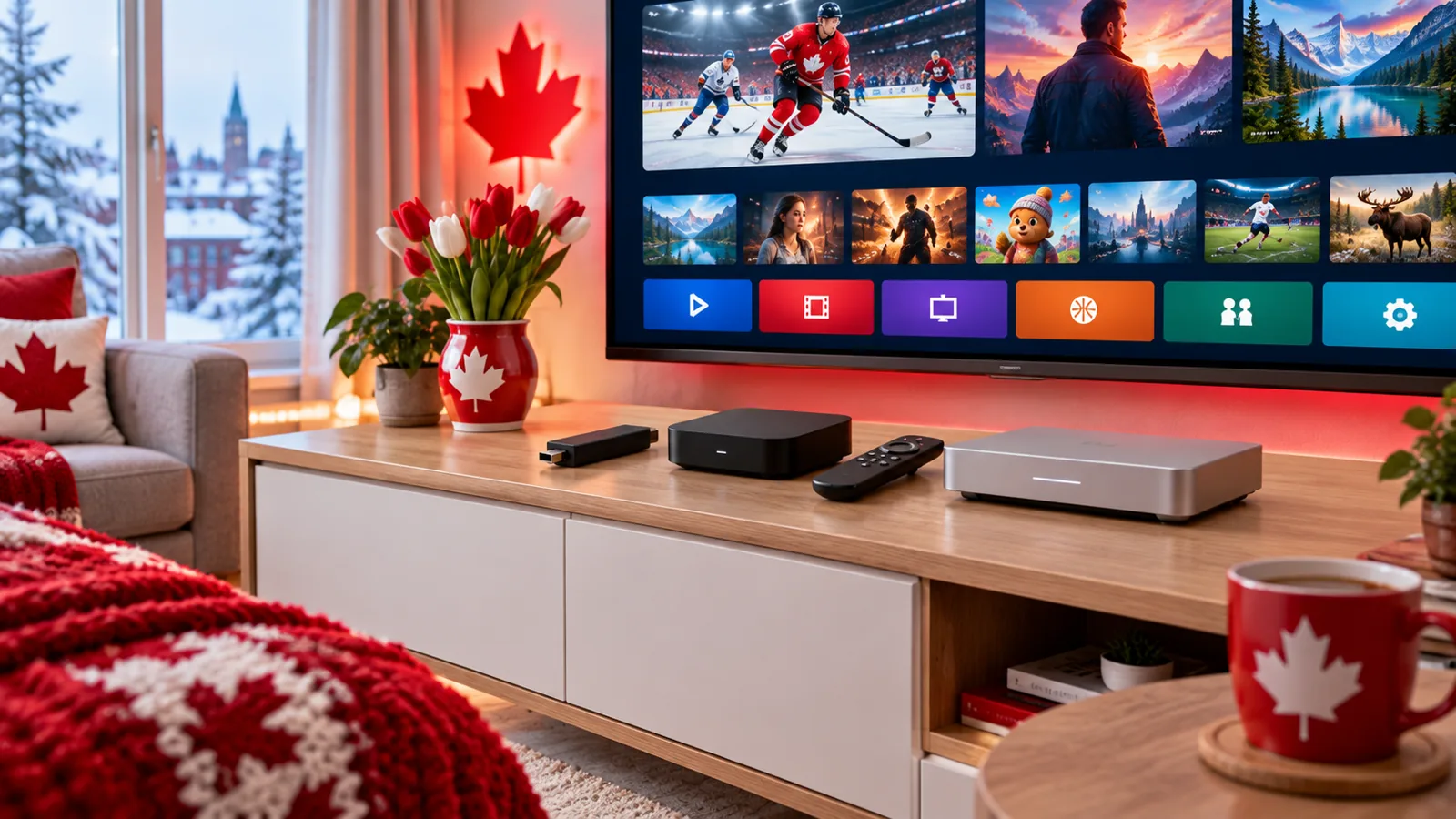
Search for an IPTV box in Canada and you will find everything from small streaming sticks to “fully loaded” boxes that promise every channel for life. Before you spend money, it helps to know one thing: the box is only the player. This guide explains whether you actually need an IPTV box, the types of devices Canadians use, how to choose one and how to set it up in a few minutes.
Do You Actually Need an IPTV Box?
Often, no. IPTV runs through an app, and that app works on many devices you may already own. If your TV is a recent Samsung or LG Smart TV, you can usually install a player app directly. A phone, tablet or computer works as well. A separate box or stick makes sense when your TV is older, slow, or does not have the app you want.
Ethernet port – a wired connection is the best fix for buffering during live sports.
Enough memory and storage – cheap boxes with very little memory get slow quickly.
Regular software updates – choose a known brand that still updates its devices.
4K support only if your TV and internet can use it.
A real app store so you can install and update your IPTV player safely.
A comfortable remote – you will use it every day.
Not sure which player app to install afterwards? Compare the options in our IPTV apps guide.
Be Careful With “Fully Loaded” Boxes
Some sellers advertise boxes pre-loaded with apps that promise free channels forever. Treat these with caution. You do not know what software is installed, the apps can stop working without warning and there is nobody to call when they do. Pre-loaded boxes sold this way have also been the subject of legal action in Canada. A clean device from a known brand, plus a service you can test first, is the safer route. Our guide to IPTV legality in Canada explains what to check.
Setting Up Your IPTV Box in 5 Steps
Connect the box to your TV by HDMI and to the internet, by Ethernet if possible.
Sign in and install any system updates.
Install an IPTV player app from the official app store.
Enter the login details from your provider.
Add your favourite channels and check that the TV guide loads.
There is no single best box. A streaming stick suits most homes; a box with an Ethernet port and more memory is better for a busy household or 4K viewing.
Can I use IPTV without a box?
Yes. Many Smart TVs, phones, tablets and computers run IPTV player apps directly.
Does the box include channels?
No. The box is only the player. Channels come from your IPTV subscription.
Can I use one subscription on several devices?
You can install the app on more than one device. How many can watch at the same time depends on your plan.
What is an IPTV set-top box?
A small box made mainly for IPTV, with a cable-style remote. You enter your subscription details once and it works like a cable box, but over the internet.
Do I need a special box for 4K IPTV?
You need a 4K-capable device and about 25 Mbps per screen. Fire TV Stick 4K Max, NVIDIA Shield, Apple TV 4K and Google TV Streamer all support 4K. See 4K IPTV in Canada.
Can I test IPTV before I buy a box?
Yes. Start the free 24-hour trial on the TV, phone or computer you already have, then decide if a box is worth it.