
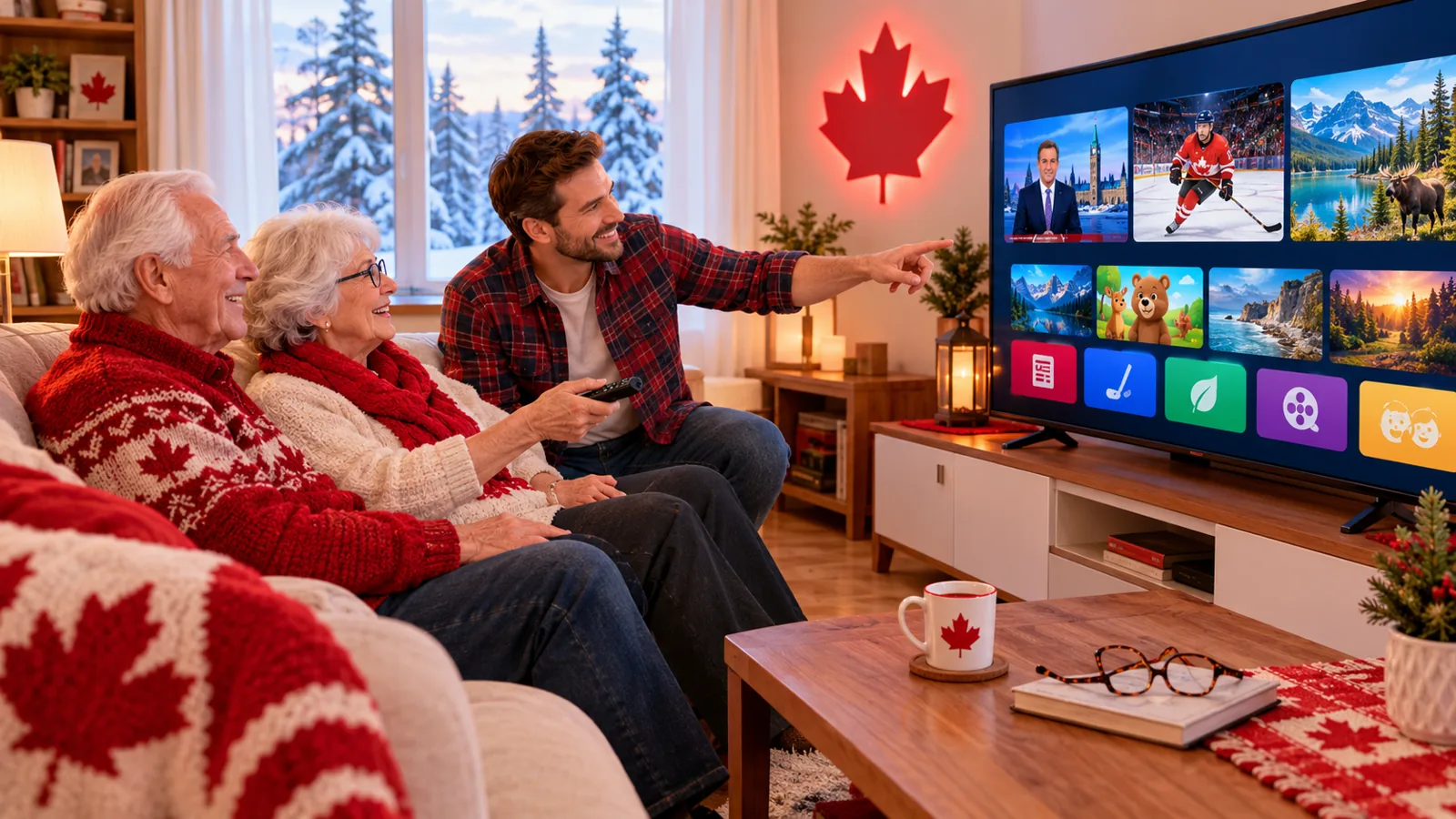
Many Canadian grandparents and retirees want the same thing from TV: their favourite news, hockey and shows, a simple remote and a lower monthly bill. IPTV for seniors in Canada can deliver exactly that, as long as it is set up the right way. This guide shows how to choose an easy IPTV setup, make the menus simple to read and get help whenever it is needed, whether you are setting it up for yourself or for a parent.
Why Seniors Are Switching to IPTV
- A smaller bill – a flat plan instead of a cable package with rentals and fees. See our IPTV cost guide.
- No technician visits – nothing to drill, no dish on the roof.
- Favourite channels in one place – a short favourites list means less scrolling.
- Watch anywhere – at home, at the cottage or while visiting family.
- Short plans, no auto-renewal at IPStream TV, so nothing is charged by surprise.
The Simplest Device Choices
| Option | Why it suits seniors |
|---|---|
| Smart TV app | No extra box and only one remote. See our Samsung and LG guide. |
| Streaming stick with a voice remote | Simple remote with fewer buttons. See our Firestick setup. |
| iPad or tablet | Large touch screen, easy to carry between rooms. See our Apple guide. |
Make It Easy to Use: 7 Settings That Help
- Build a short favourites list with only the channels they watch.
- Make the favourites list the start screen in the app, if the app allows it.
- Increase text size in the TV or device accessibility settings.
- Turn on subtitles for news and shows where available.
- Hide channel groups that will never be used.
- Set the correct time zone so the TV guide shows the right times. See our TV guide fixes.
- Write a one-page cheat sheet: how to turn on the TV, open the app and pick a favourite.
Setting It Up for a Parent
If you are helping a parent, do the setup on your own visit and test it together. Use the free trial, pick the channels they love and show them the three or four buttons they really need. Keep the login details written in a safe place at their home.
Staying Safe Online
- Only install apps from the official app store.
- Never share card details through chat messages or pop-ups.
- Be careful with “free” offers. Our free IPTV guide lists the warning signs.
- Choose a provider with clear terms and real support.
Getting Help When Something Stops Working
Most problems are fixed by restarting the TV and the internet router. If the picture freezes, see our freezing fixes. Our support team answers on WhatsApp, so a family member can message us too.
IPTV for Seniors FAQ
Is IPTV hard to use for seniors?
Not once it is set up. With a short favourites list and a simple remote, everyday use is a few button presses.
Do they need a computer?
No. A Smart TV or a streaming stick is enough.
What internet speed is needed?
About 10–15 Mbps per HD stream. See our speed guide.
Try It Together, Free
Set up a free 24-hour trial on their TV, no card required, and see how easy it feels before choosing a plan on our pricing page.
Leave a Reply